 2:58
2:58
Why FieldLoom: built for the pro in the attic, not the office
One app for the solo pro: real trade checklists, the math done for you, a report customers sign, texting, booking and getting paid.
Watch on YouTube ↗Video tutorials
98 short videos, one feature each, grouped by what you're doing on the job. Tap any card to play it here.
For your trade
2:58
One app for the solo pro: real trade checklists, the math done for you, a report customers sign, texting, booking and getting paid.
Watch on YouTube ↗Start here
One app for the solo pro: real trade checklists, the math done for you, a report customers sign, texting, booking and getting paid.
Free plan forever. No card needed.
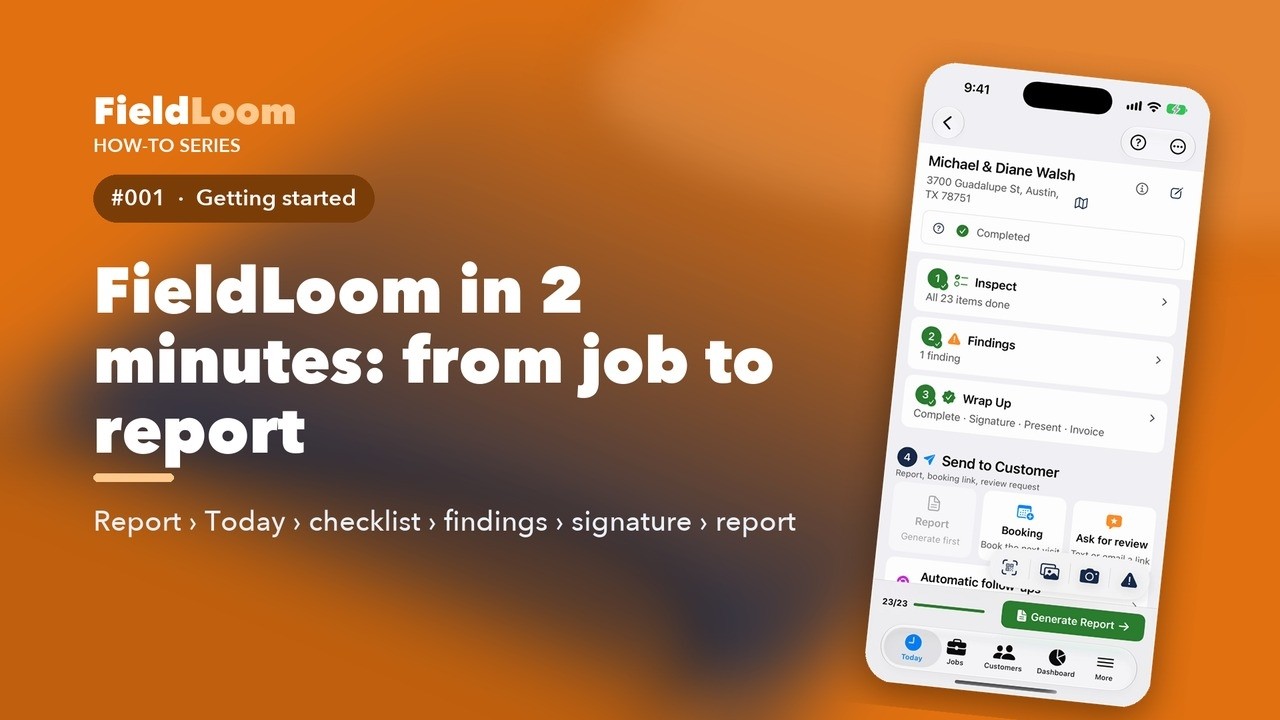
Start here: set up FieldLoom and do your first job, from the Today screen to the finished report.
 2:02
2:02
This is a professional inspection report. Company logo, readings, photos, findings with prices, and the customer's signature.
Watch on YouTube ↗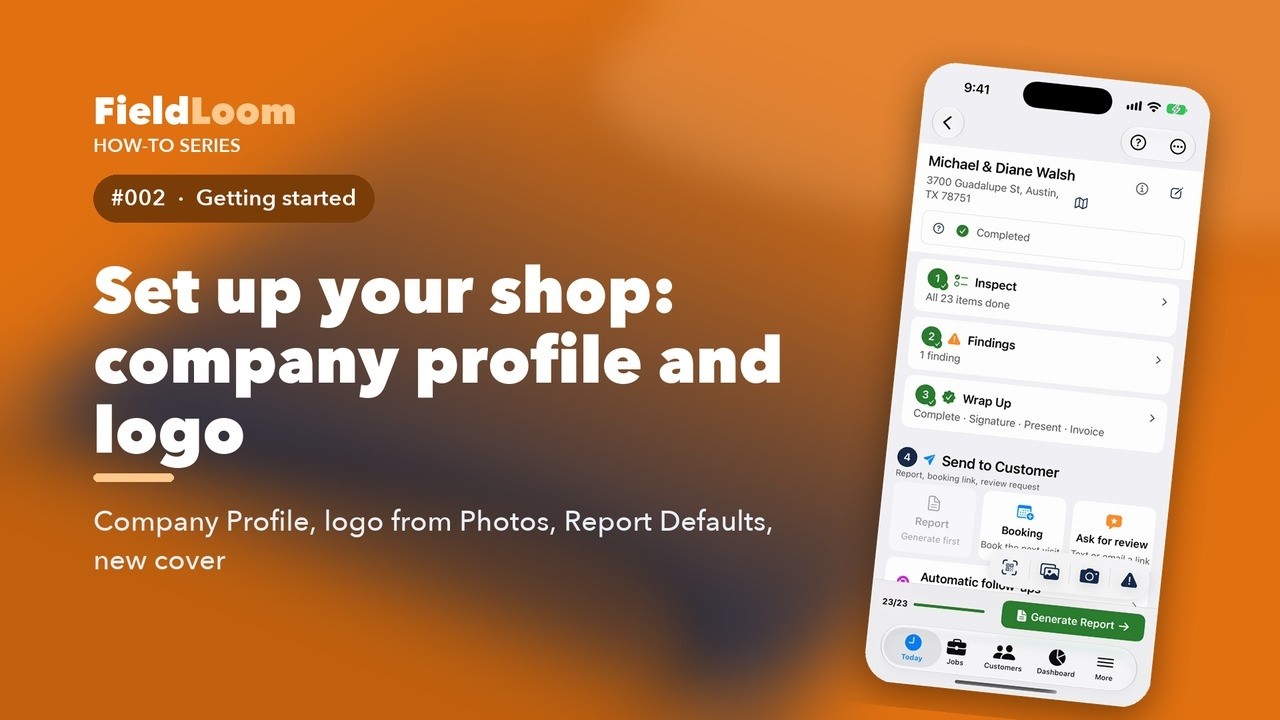 2:02
2:02
Your company name, license, phone, and logo print on the cover of every report. This is what makes a report look official.
Watch on YouTube ↗ 1:53
1:53
Every visit in FieldLoom starts with a job. It takes five fields and about thirty seconds.
Watch on YouTube ↗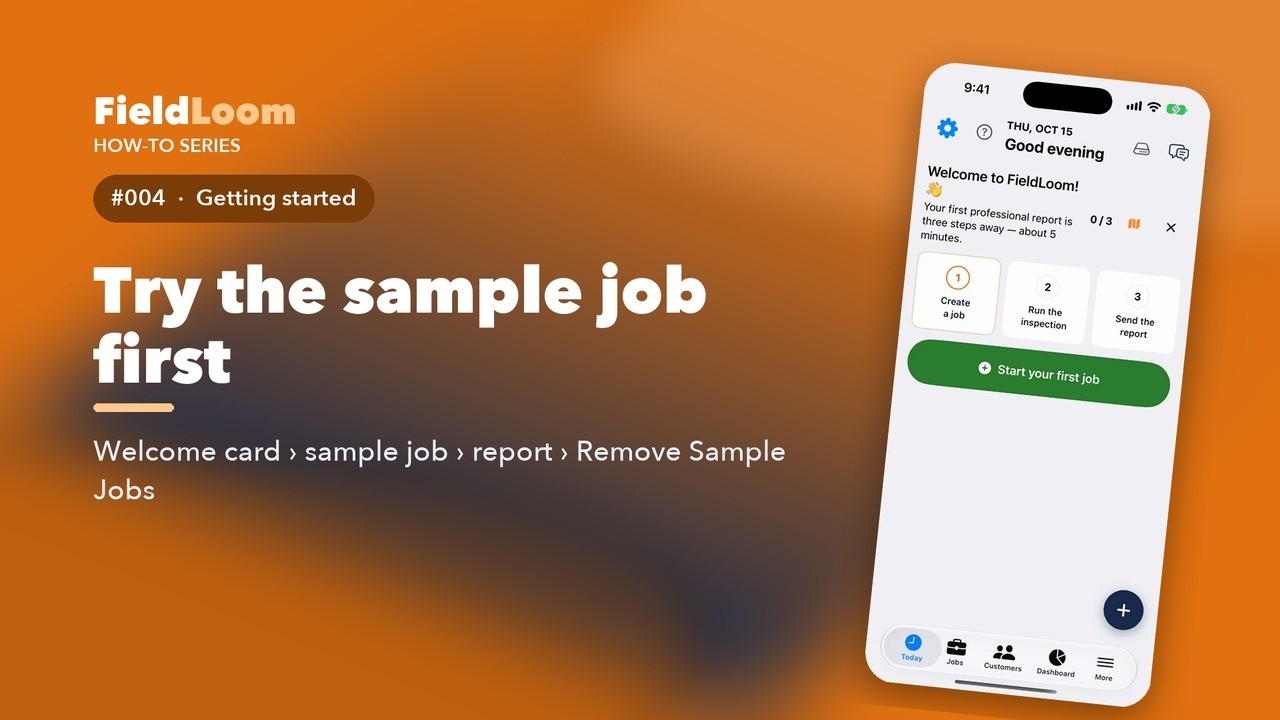 1:37
1:37
When you open FieldLoom for the first time, Today shows a welcome card. Three steps, and your first professional report is done.
Watch on YouTube ↗ 1:20
1:20
Today is the first thing you see every morning. It shows the date, a greeting, and your day, all on one screen.
Watch on YouTube ↗ 1:38
1:38
Every job in FieldLoom has the same screen. Learn it once, and you know every job.
Watch on YouTube ↗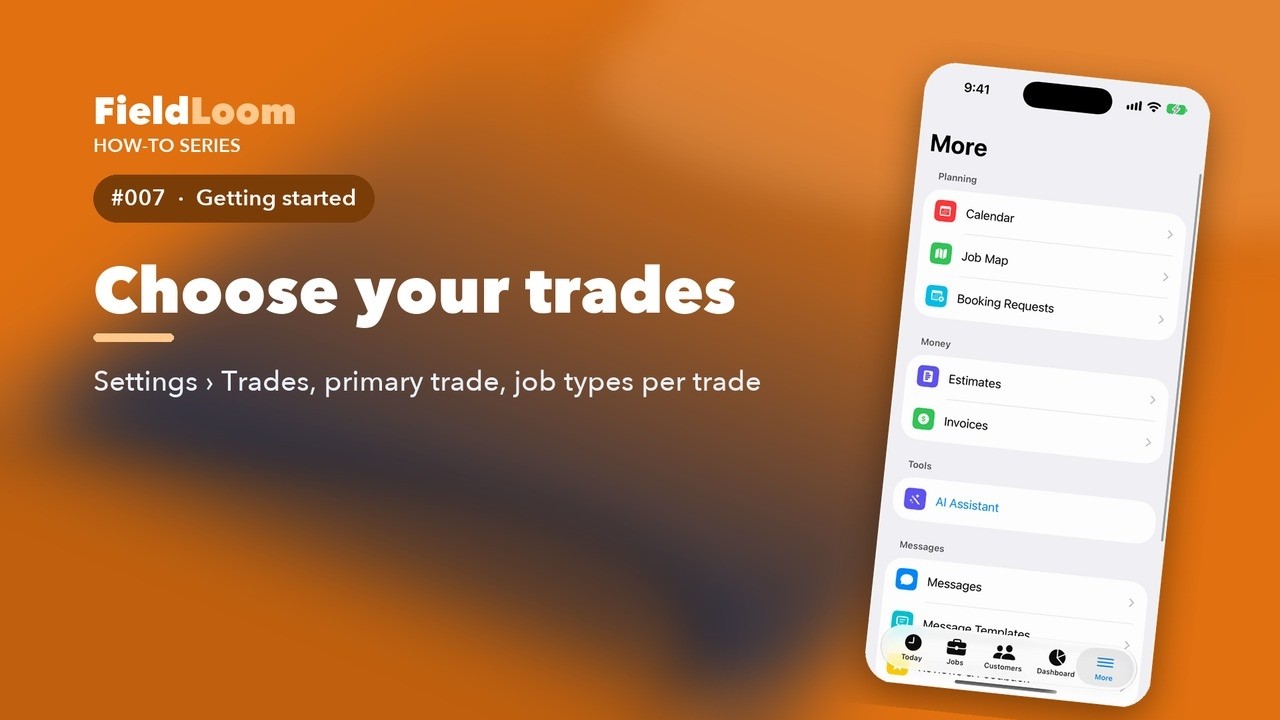 1:15
1:15
FieldLoom works for HVAC, plumbing, electrical, and eleven more trades. Each trade has its own job types and checklists.
Watch on YouTube ↗ 1:17
1:17
FieldLoom starts simple. New accounts only see the tools most pros use every day.
Watch on YouTube ↗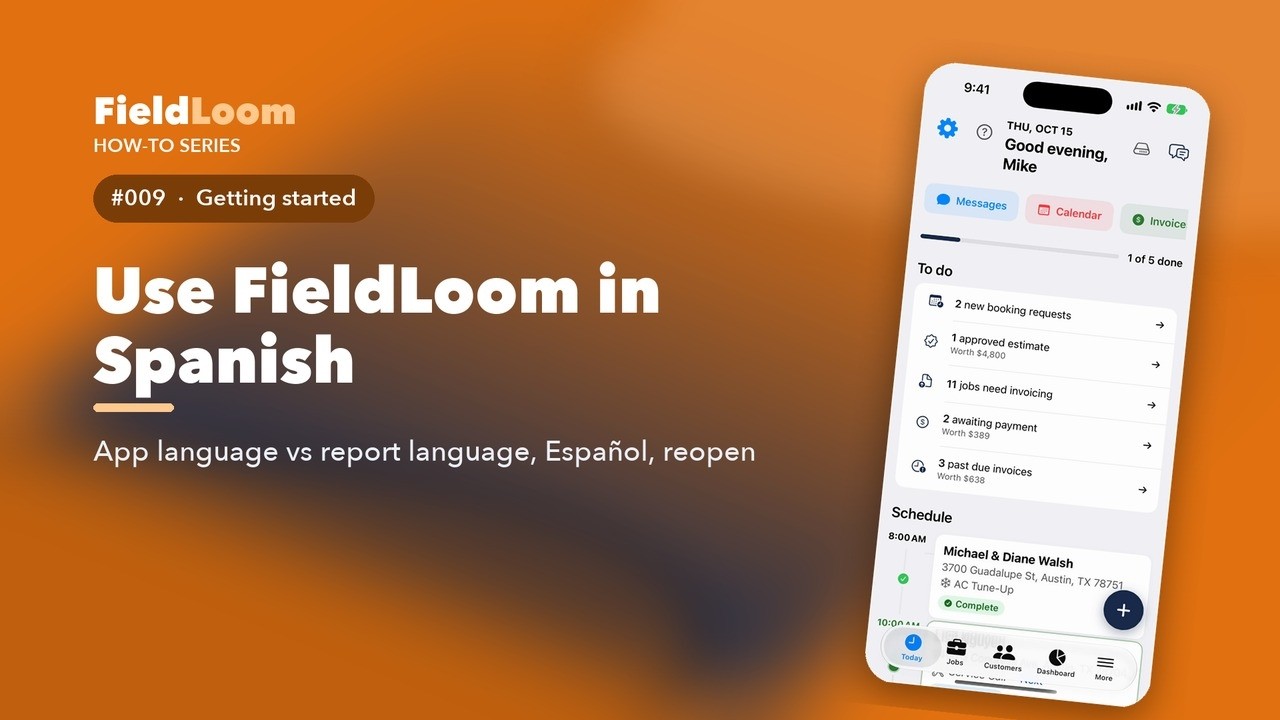 1:14
1:14
Usa FieldLoom en español
FieldLoom works in English and Spanish. You can switch the app, the reports, or both.
Watch on YouTube ↗ 1:16
1:16
Stuck on something? FieldLoom has a full guide built in, and it works with no internet.
Watch on YouTube ↗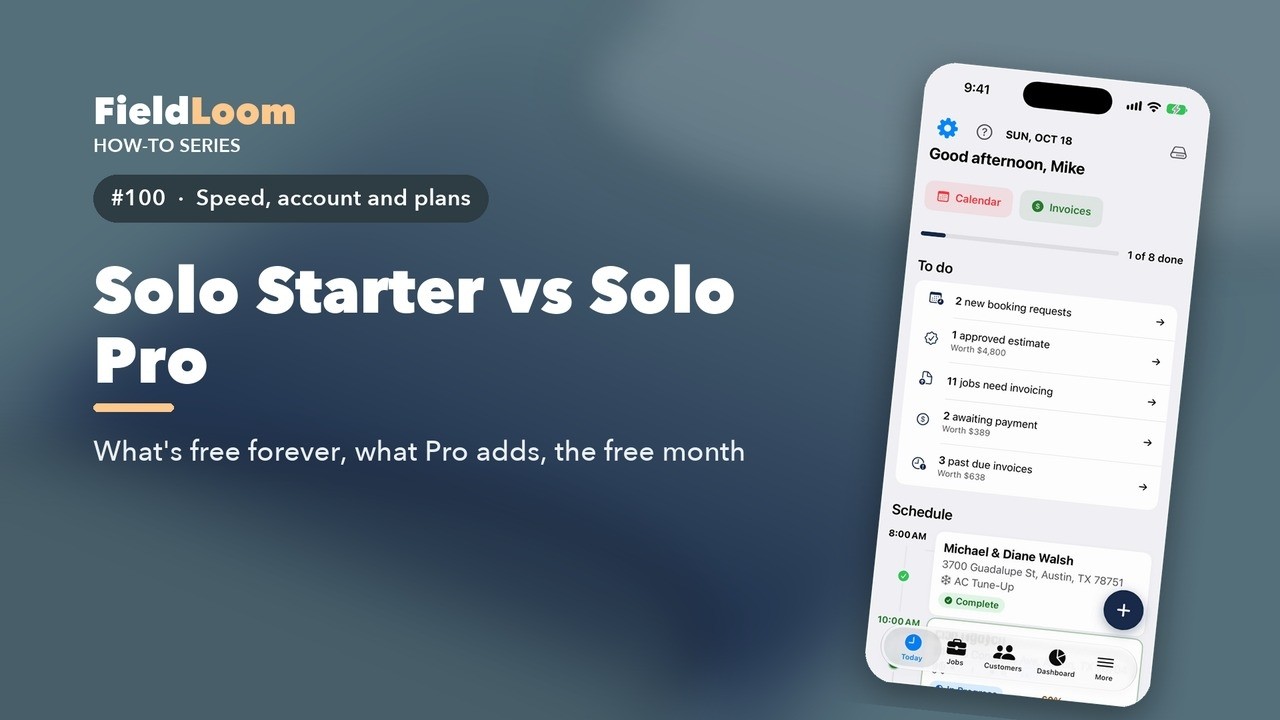 1:11
1:11
FieldLoom has a free plan, Solo Starter, and it's free forever. Here's what you get, and what Solo Pro adds.
Watch on YouTube ↗Run job checklists fast: AC tune-up, furnace, heat pump, new install, service calls and more.
 1:26
1:26
Let's run an AC tune-up from start to finish. Open the job, and the checklist is waiting under Inspect.
Watch on YouTube ↗ 0:44
0:44
Most checklist items are a simple pass or fail. FieldLoom makes that one tap.
Watch on YouTube ↗ 0:50
0:50
Every checklist item has a details page with more than the quick row shows.
Watch on YouTube ↗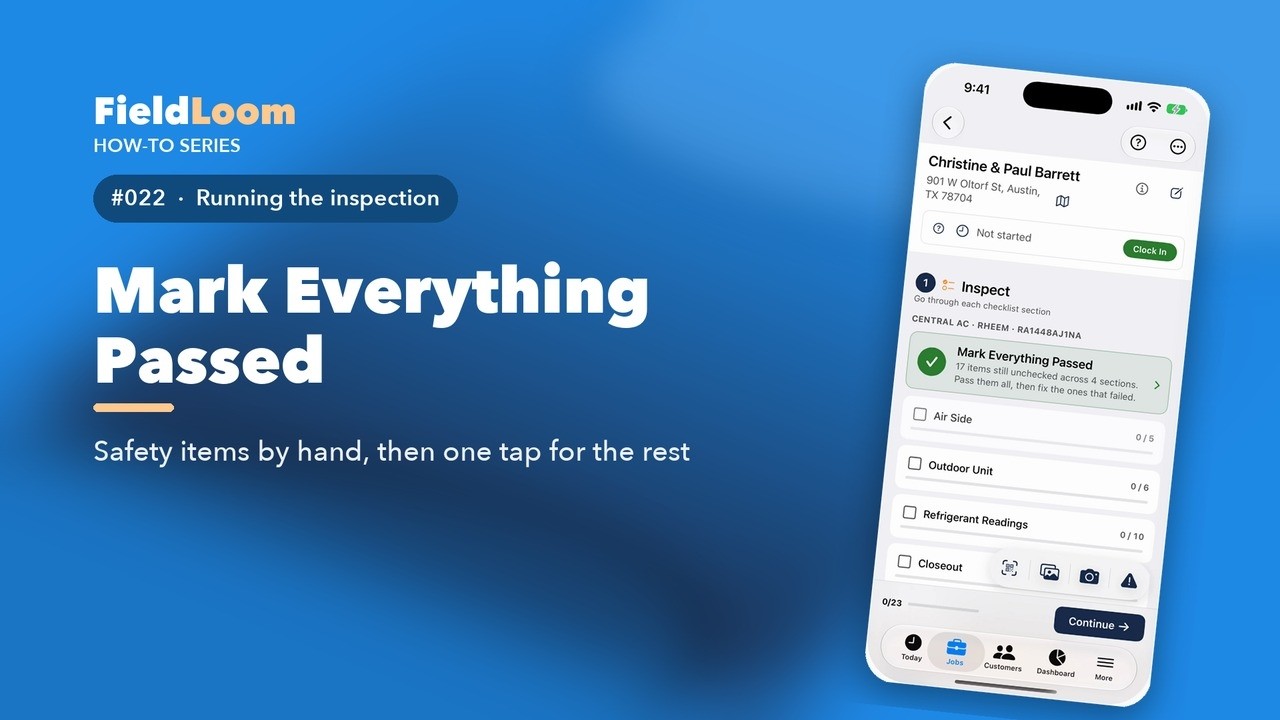 0:48
0:48
No one wants to tap a hundred circles. Here's the fastest honest way through a tune-up.
Watch on YouTube ↗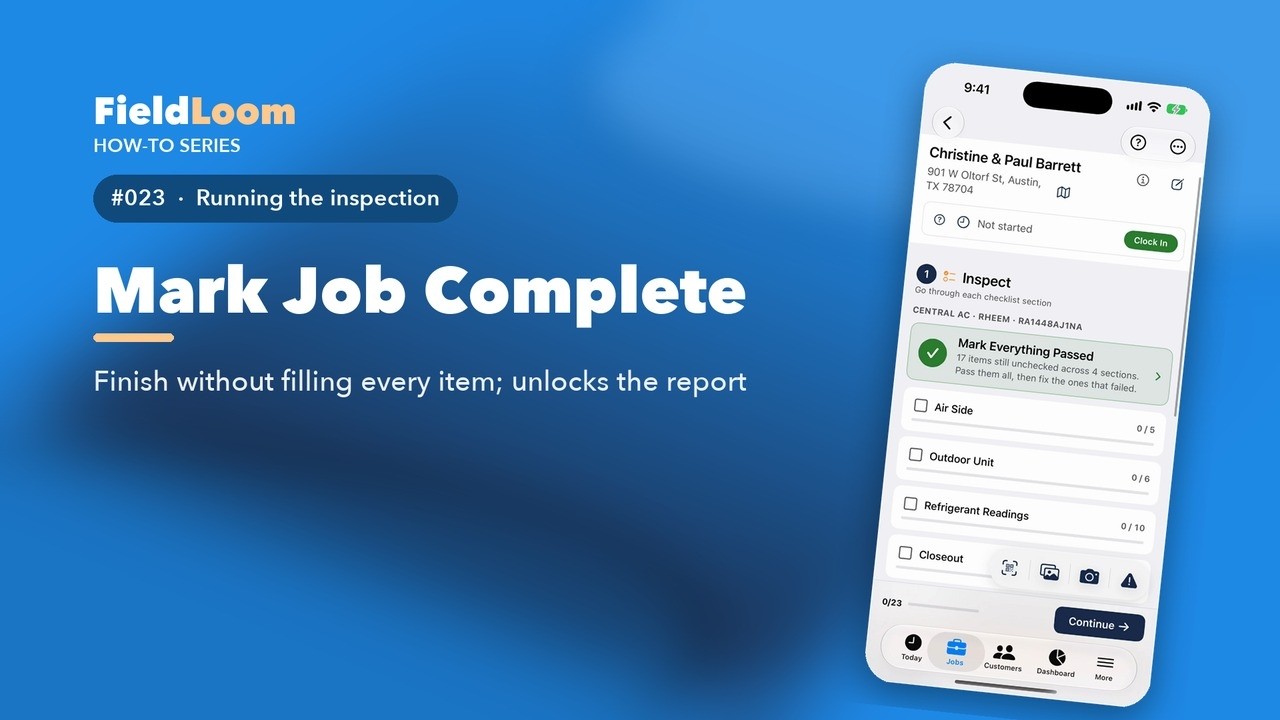 0:50
0:50
Sometimes you can't fill in every item. Maybe the customer only wanted part of the visit.
Watch on YouTube ↗ 0:54
0:54
Furnace and heat pump jobs come in two sizes: Quick and Full. Here's how to choose.
Watch on YouTube ↗ 1:41
1:41
A furnace tune-up follows the way you work the furnace: combustion and safety first, then burners, airflow, and the blower.
Watch on YouTube ↗ 1:48
1:48
A heat pump heats and cools, so the seasonal checklist covers both, plus the parts only a heat pump has.
Watch on YouTube ↗ 1:13
1:13
FieldLoom has eleven HVAC job types, plus a custom one, and each loads its own checklist. Pick the type when you create the job.
Watch on YouTube ↗ 1:25
1:25
A service call is a different visit. You're there to find a problem, so the checklist is short and follows the call: the complaint, the diagnosis, the fix.
Watch on YouTube ↗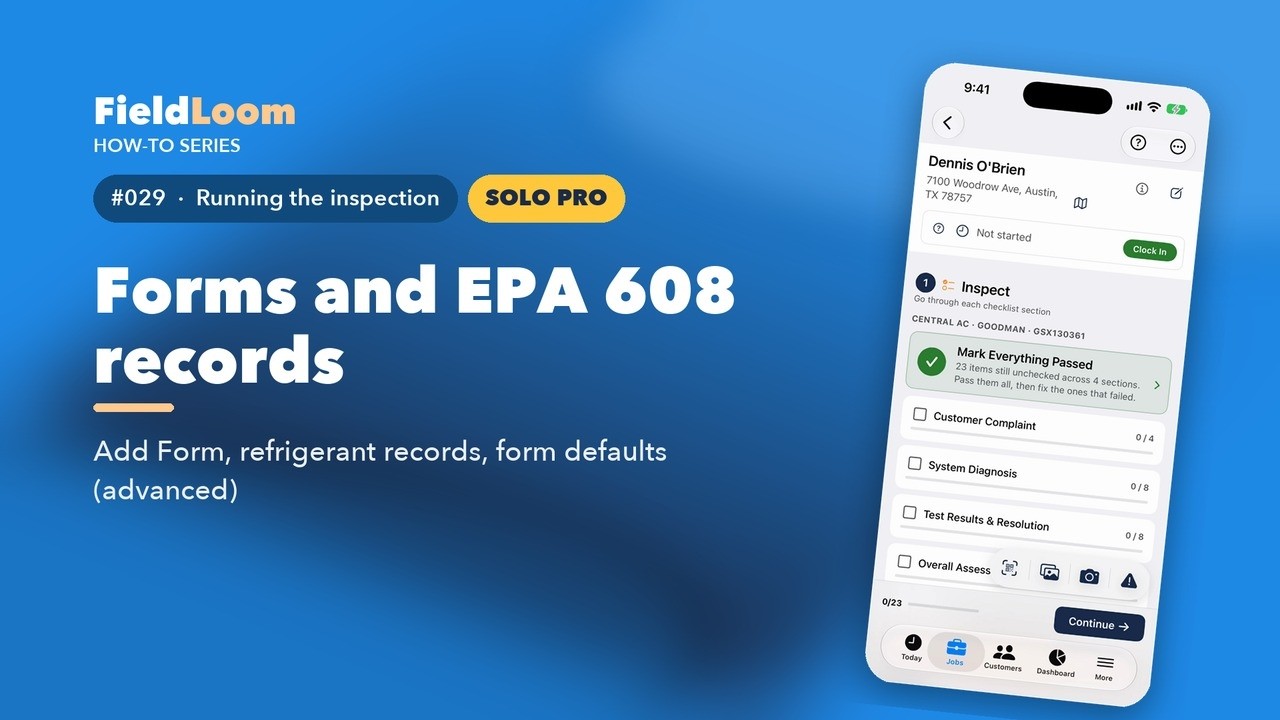 1:18
1:18
When you add or recover refrigerant, the EPA wants a record. FieldLoom keeps it with the job.
Watch on YouTube ↗ 0:48
0:48
Every shop works a little differently. You can shape the checklist to fit yours.
Watch on YouTube ↗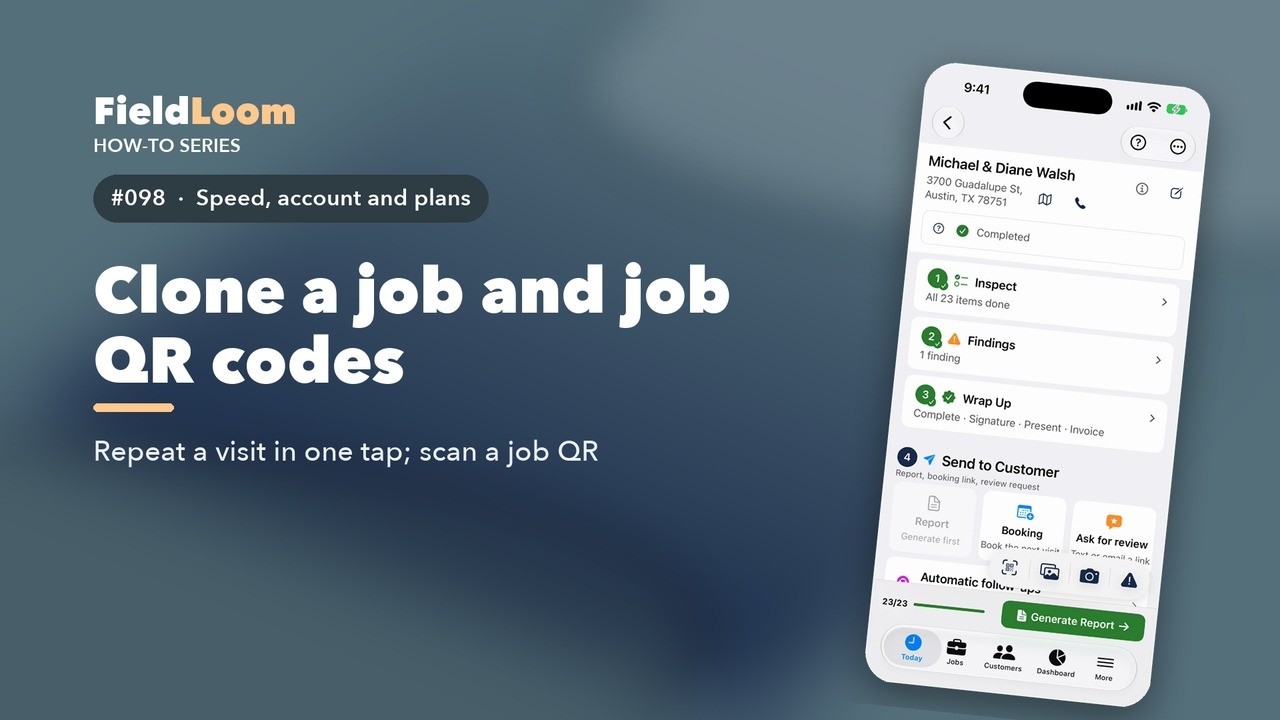 0:47
0:47
Back at the same house next season? Don't start from scratch.
Watch on YouTube ↗Superheat, subcooling, delta T, static pressure and capacitor tests, calculated and graded for you.
 0:57
0:57
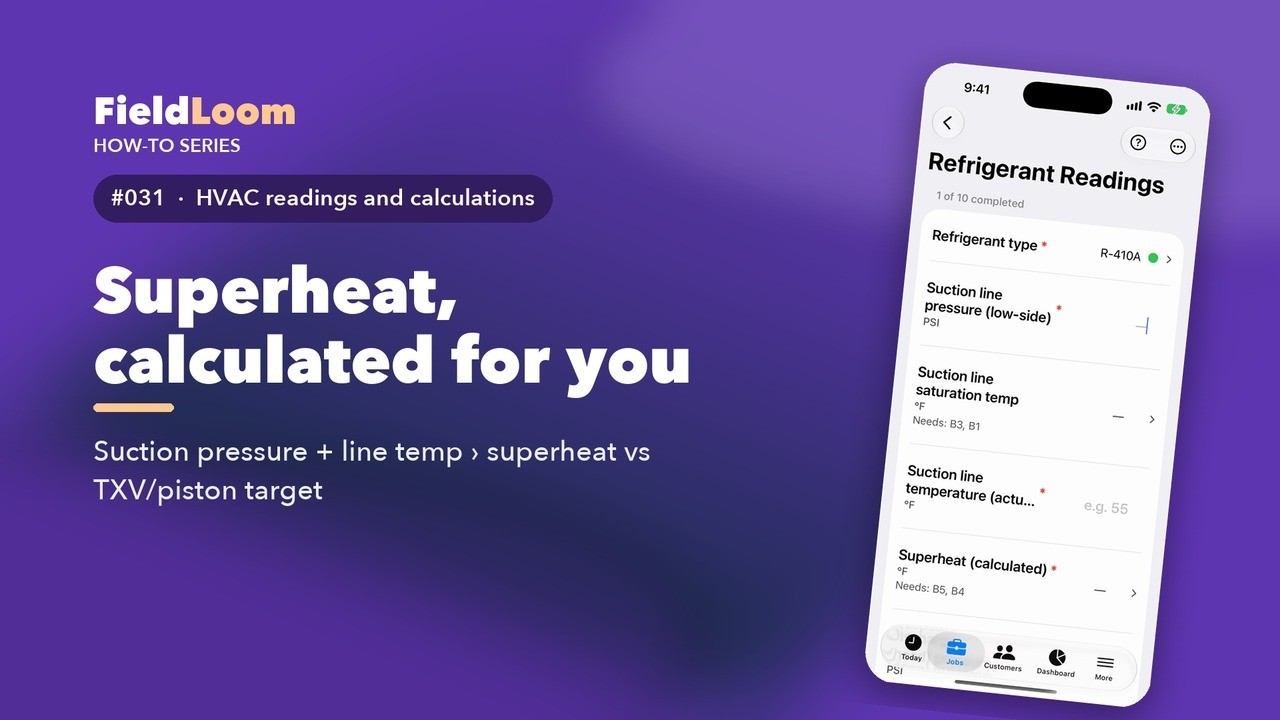
Superheat tells you how the system is charged. FieldLoom calculates it the moment you enter two readings.
Watch on YouTube ↗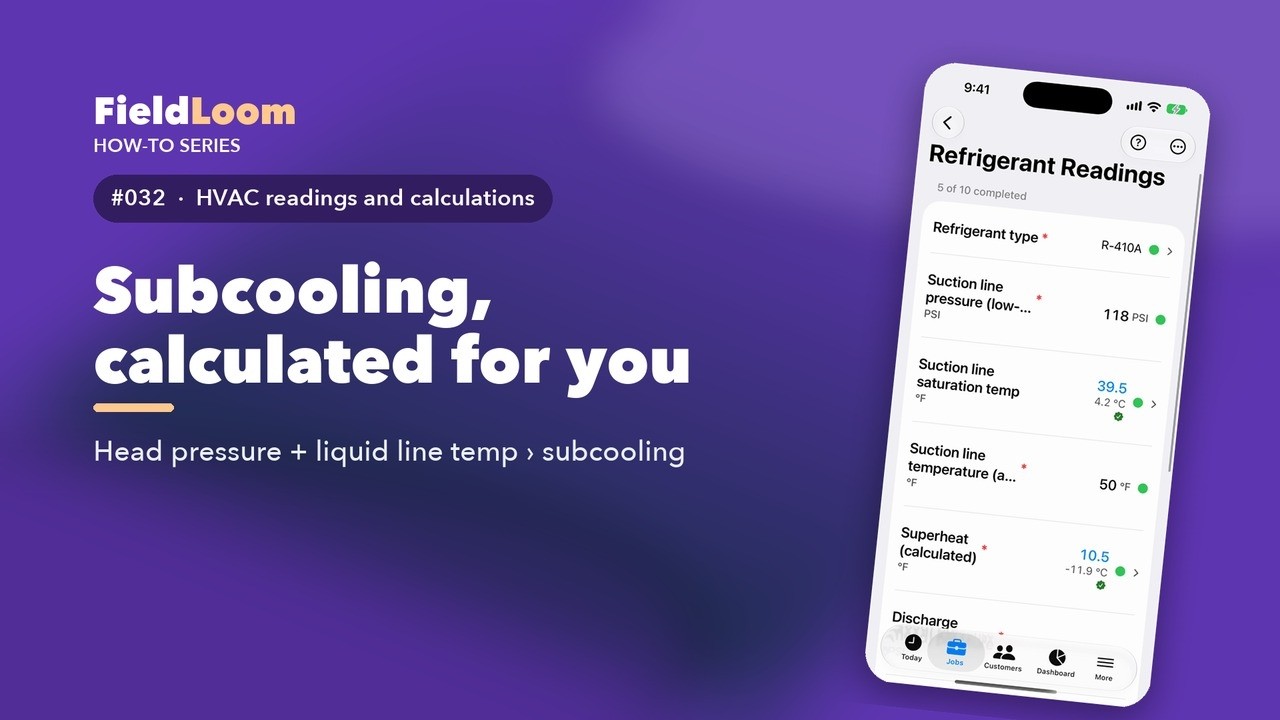 1:04
1:04
Subcooling works the same way as superheat, on the liquid side.
Watch on YouTube ↗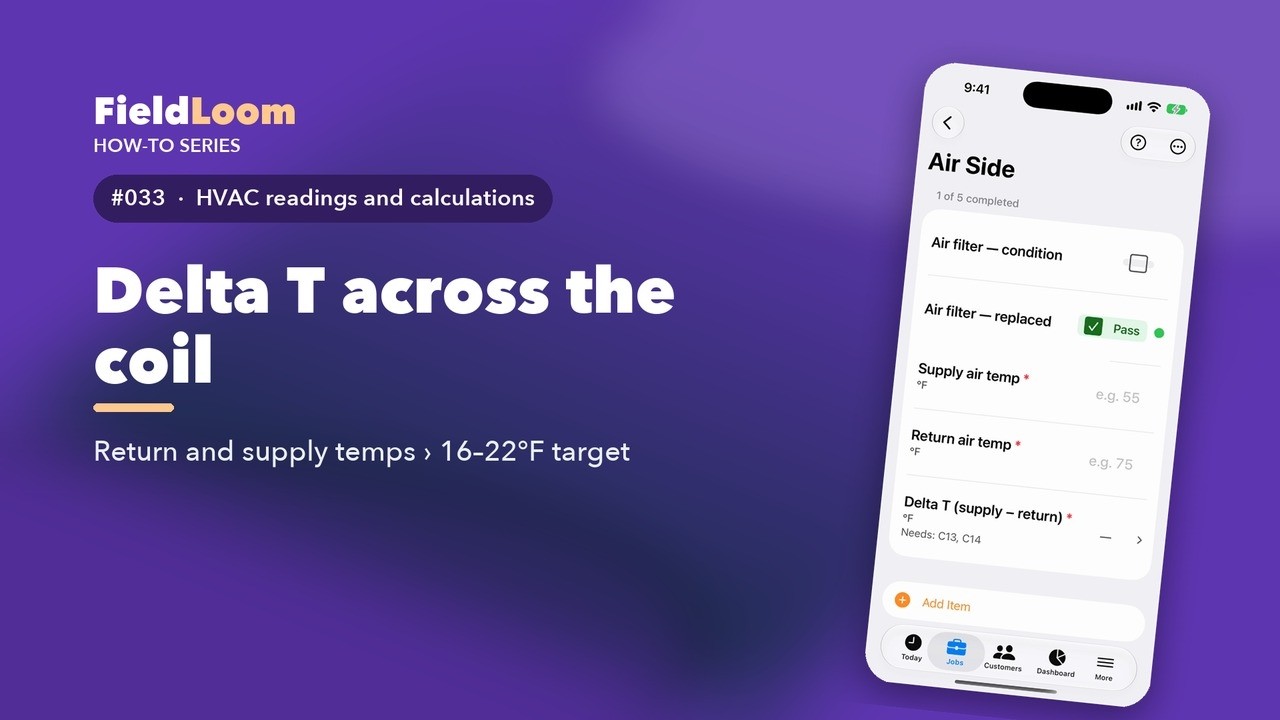 0:53
0:53
Delta T is the temperature drop across the evaporator coil. It's one of the quickest health checks there is.
Watch on YouTube ↗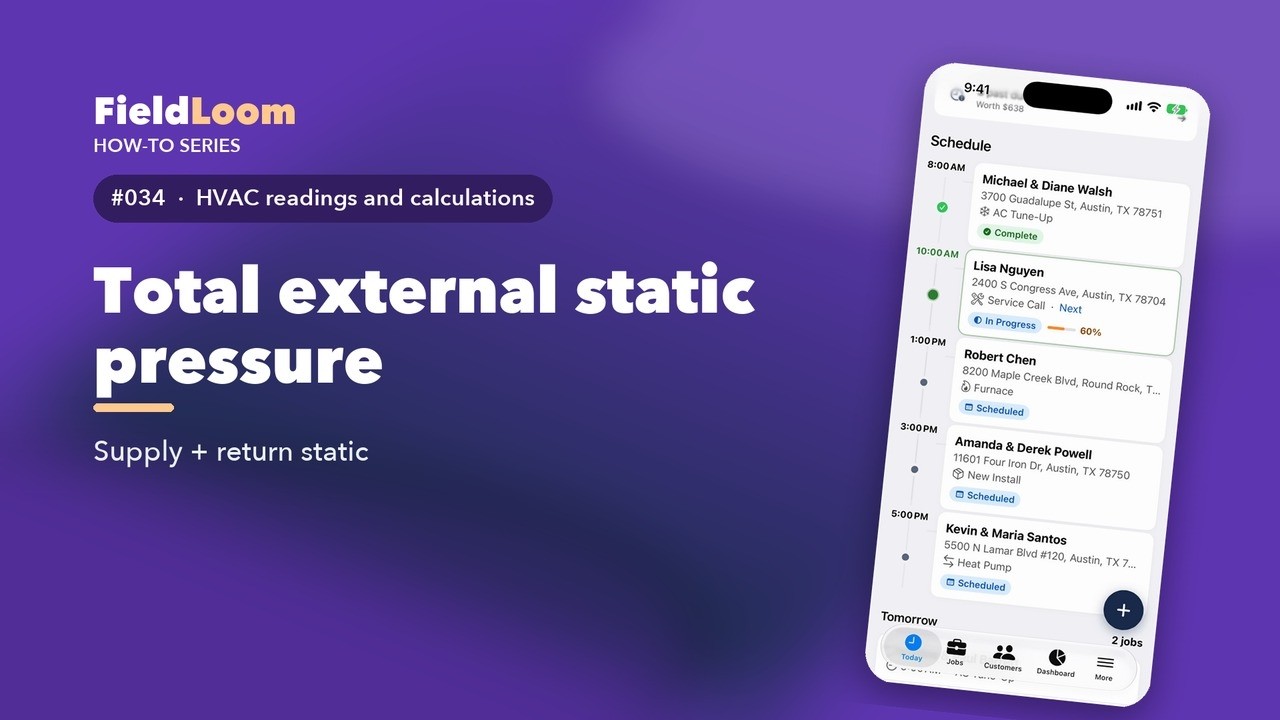 1:43
1:43
Total external static pressure tells you how hard the blower is working against the ductwork. FieldLoom adds it up for you.
Watch on YouTube ↗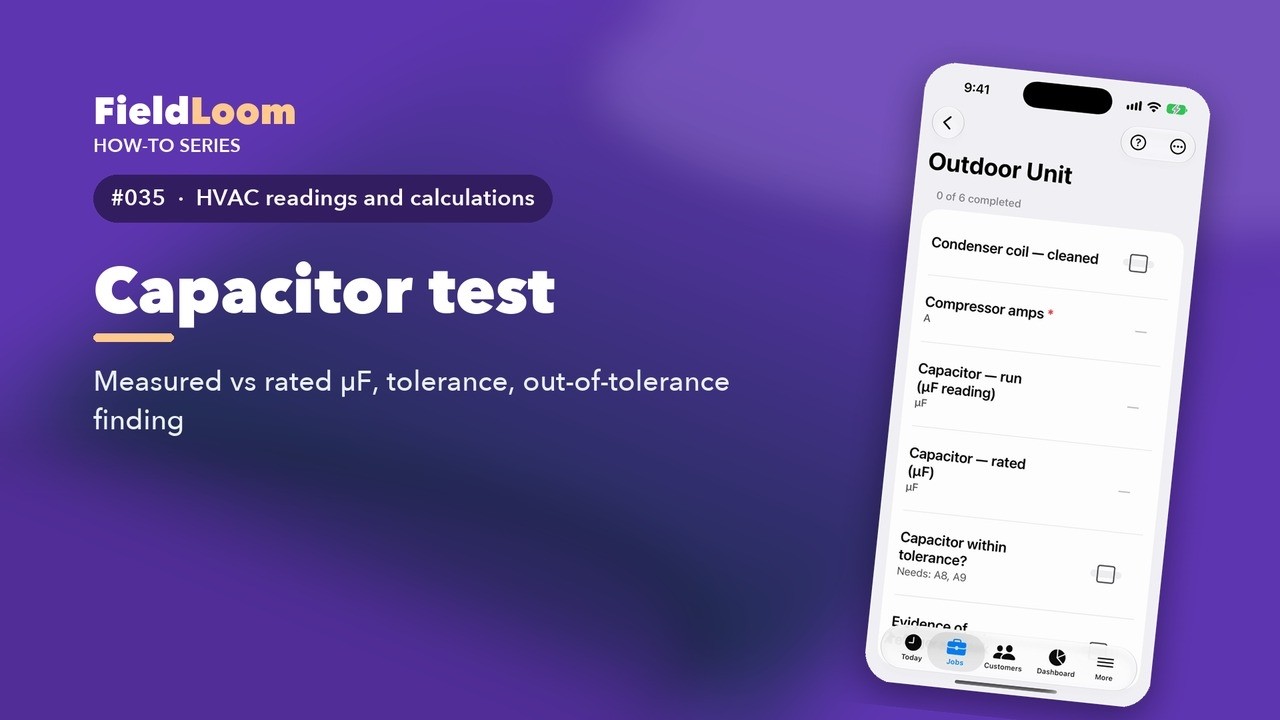 0:57
0:57
A weak capacitor is one of the most common finds on a tune-up. FieldLoom checks the tolerance for you.
Watch on YouTube ↗ 1:03
1:03
Every number FieldLoom calculates is backed up on the report. Customers, warranty desks and inspectors can check the math.
Watch on YouTube ↗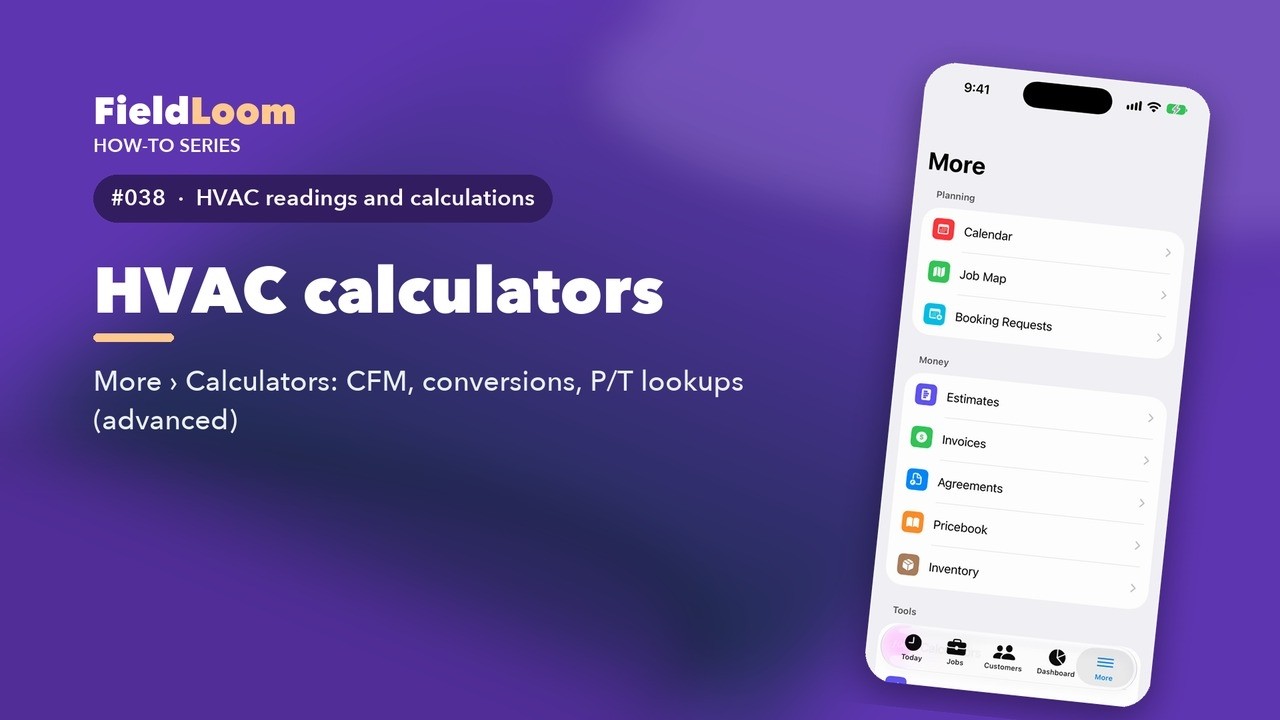 1:12
1:12
Need a quick number without a job open? FieldLoom has HVAC calculators built in.
Watch on YouTube ↗Add equipment, refrigerant and metering device, age and replacement alerts, warranties, manuals and history.
 1:26
1:26
Every job has the equipment you're working on. The unit's details print on the report, and they drive the calculations.
Watch on YouTube ↗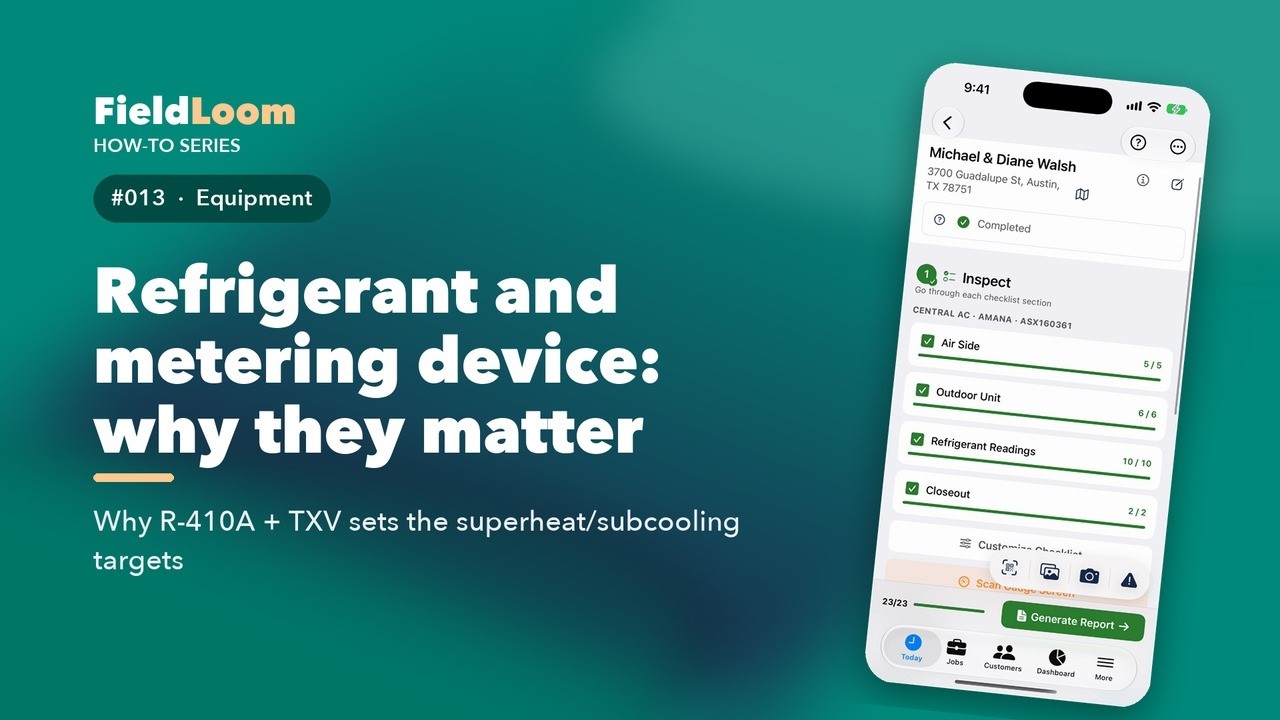 1:32
1:32
Two settings on every unit change how FieldLoom grades your readings: the refrigerant, and the metering device. Let's see why.
Watch on YouTube ↗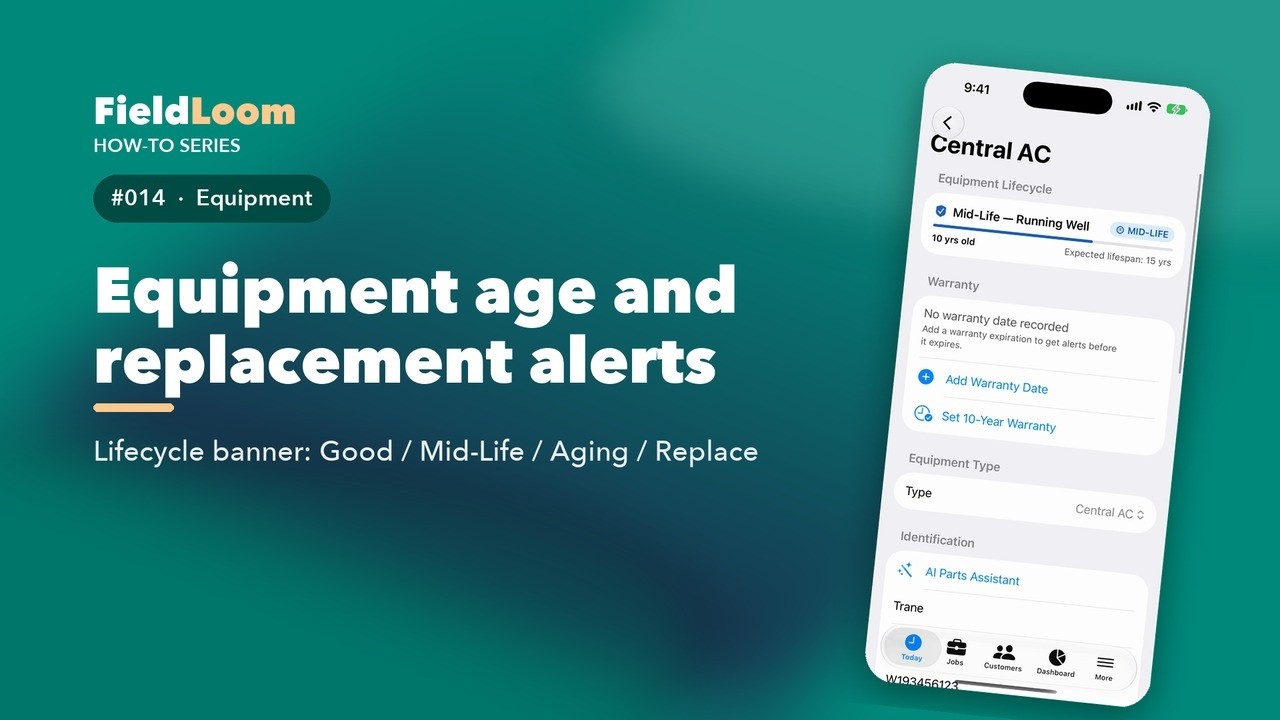 1:04
1:04
Old equipment is one of the best reasons to talk about a replacement. FieldLoom tracks age for you.
Watch on YouTube ↗ 1:04
1:04
Knowing whether a unit is still under warranty can save your customer a lot of money, and save you a callback. Here's how to track it.
Watch on YouTube ↗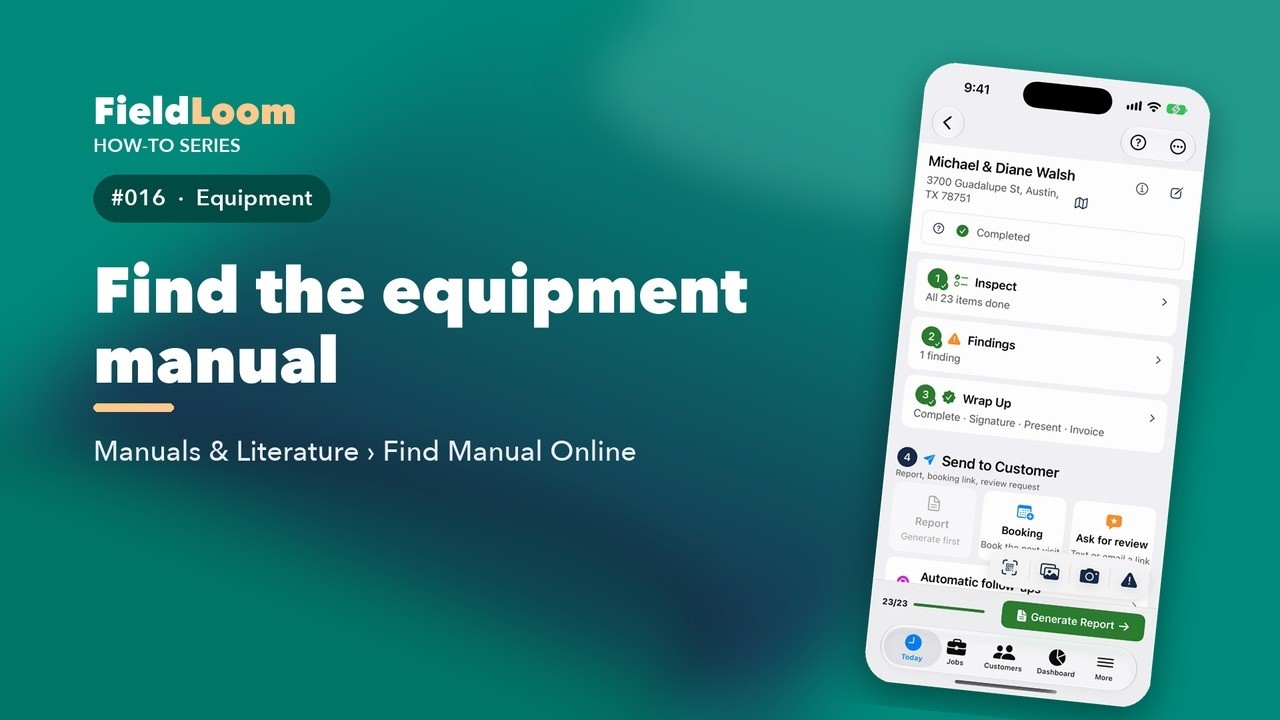 0:54
0:54
Need the wiring diagram or the installation manual? You don't have to leave the job.
Watch on YouTube ↗ 1:00
1:00
FieldLoom remembers every unit you've worked on. Open a job for a unit you've seen before, and the Equipment Memory card is waiting at the top.
Watch on YouTube ↗Photos that explain, findings with urgency and prices, and estimates customers approve.
 0:54
0:54
A photo without a caption makes the customer guess. A good caption says what they're looking at, and why it matters.
Watch on YouTube ↗ 0:50
0:50
A finding is easier to believe with a photo. Open the finding and scroll down to Photos.
Watch on YouTube ↗ 0:44
0:44
 1:08
1:08
Findings are the problems you found. They become the recommendations on your report, and the estimate.
Watch on YouTube ↗ 0:54
0:54
Every finding has an urgency. Picking the right one helps your customer decide, and it makes your report easy to read.
Watch on YouTube ↗ 0:48
0:48
You don't have to write every finding from scratch. FieldLoom has a phrasebook of common ones.
Watch on YouTube ↗ 0:58
0:58
Your pricebook is your price list: parts, labor, service packages and equipment, with your cost and markup. It's an advanced tool, so turn on Show Advanced Tools in Settings first.
Watch on YouTube ↗ 0:57
0:57
Your findings already have prices, so the estimate is half done. On the Findings screen, tap Estimate.
Watch on YouTube ↗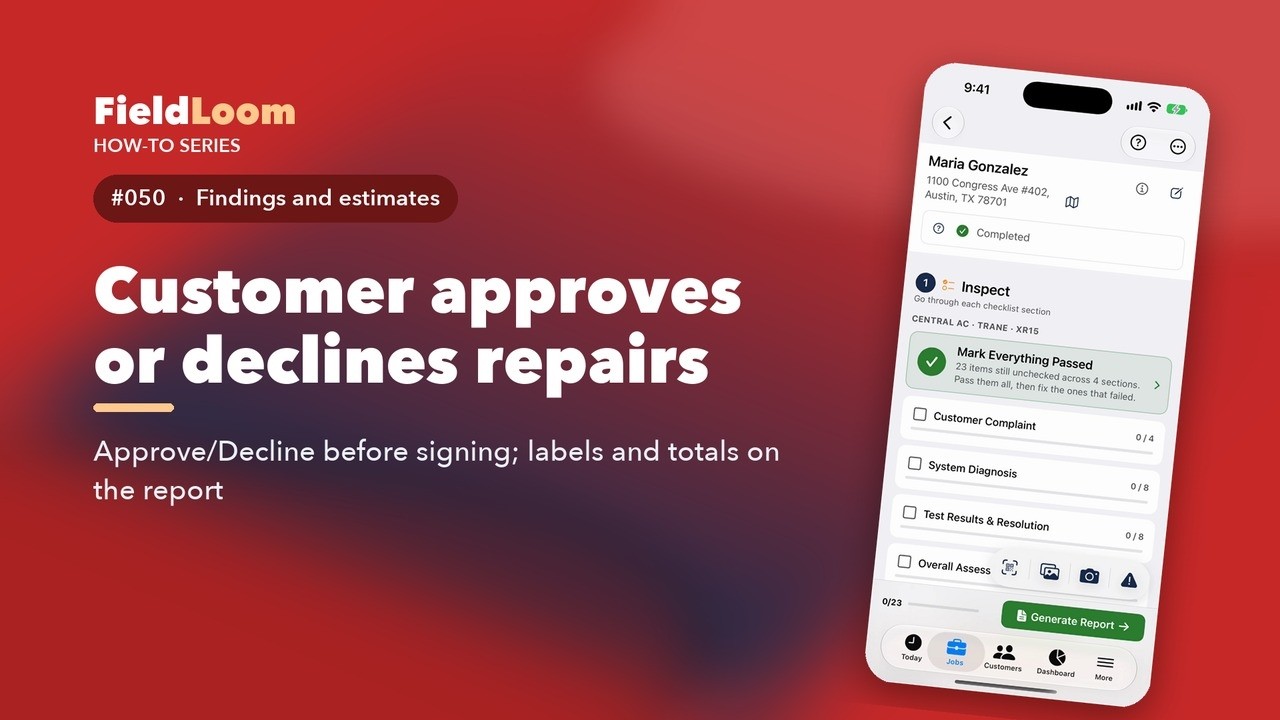 0:46
0:46
When you recommend repairs, write down what the customer decided. It protects you later.
Watch on YouTube ↗ 0:54
0:54
Every estimate you send is money waiting to happen. The Estimate Pipeline keeps them all in one place.
Watch on YouTube ↗Summary, customer signature and the professional PDF report.
 0:49
0:49
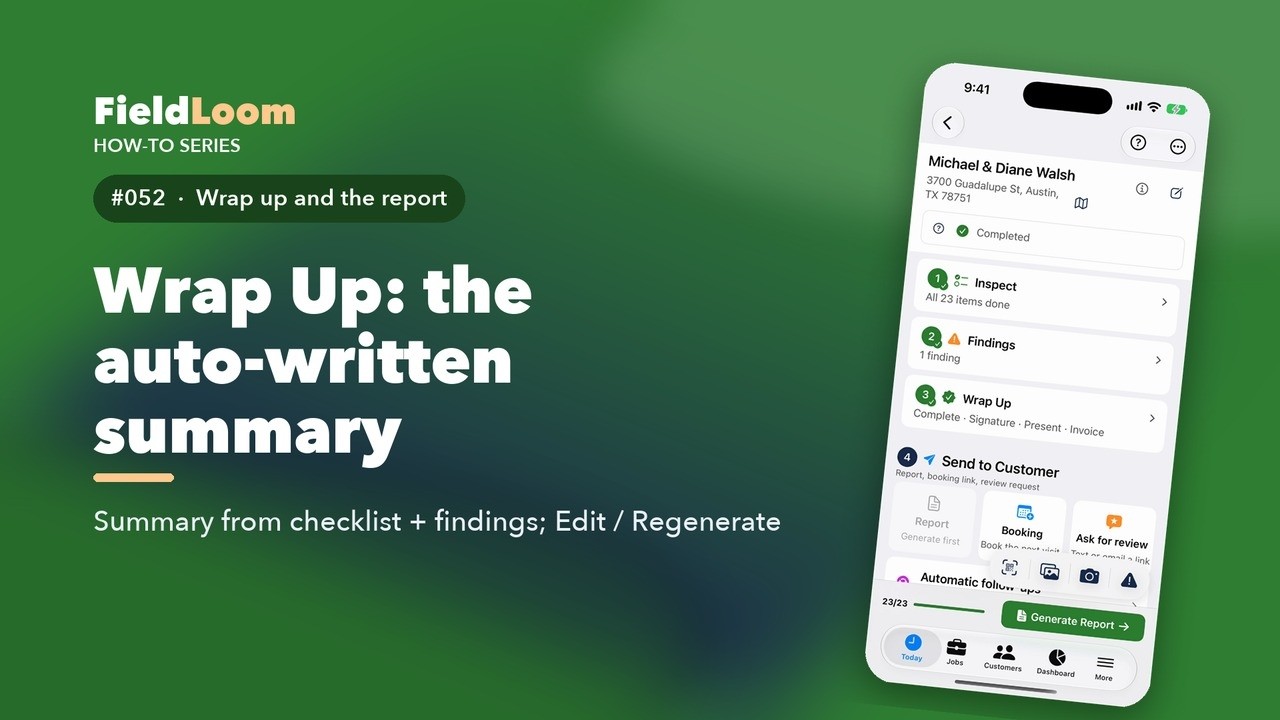
At the end of a visit, your customer wants to know one thing: how's my system? Wrap Up writes that answer for you.
Watch on YouTube ↗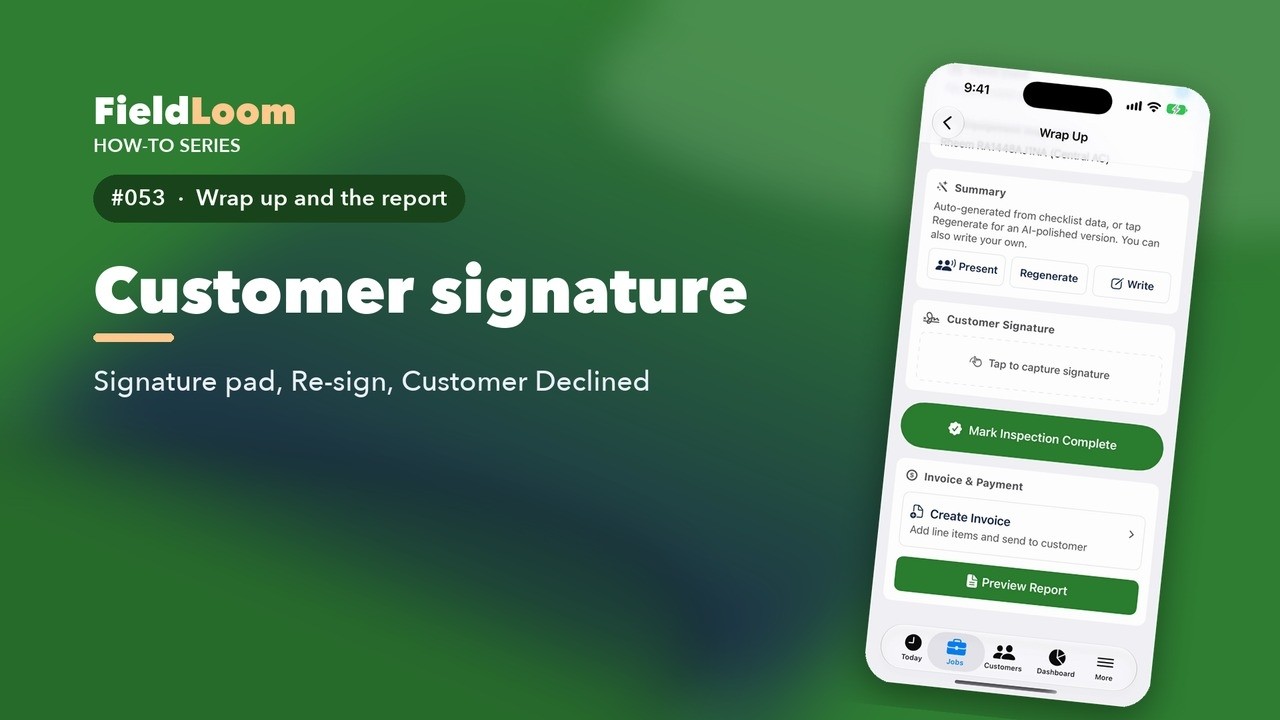 0:44
0:44
A signature turns your report into a record. It shows the customer saw the work and agreed to it.
Watch on YouTube ↗ 0:42
0:42
 1:05
1:05
 0:54
0:54
Your report can look the way your business looks. Open Report Defaults in Settings.
Watch on YouTube ↗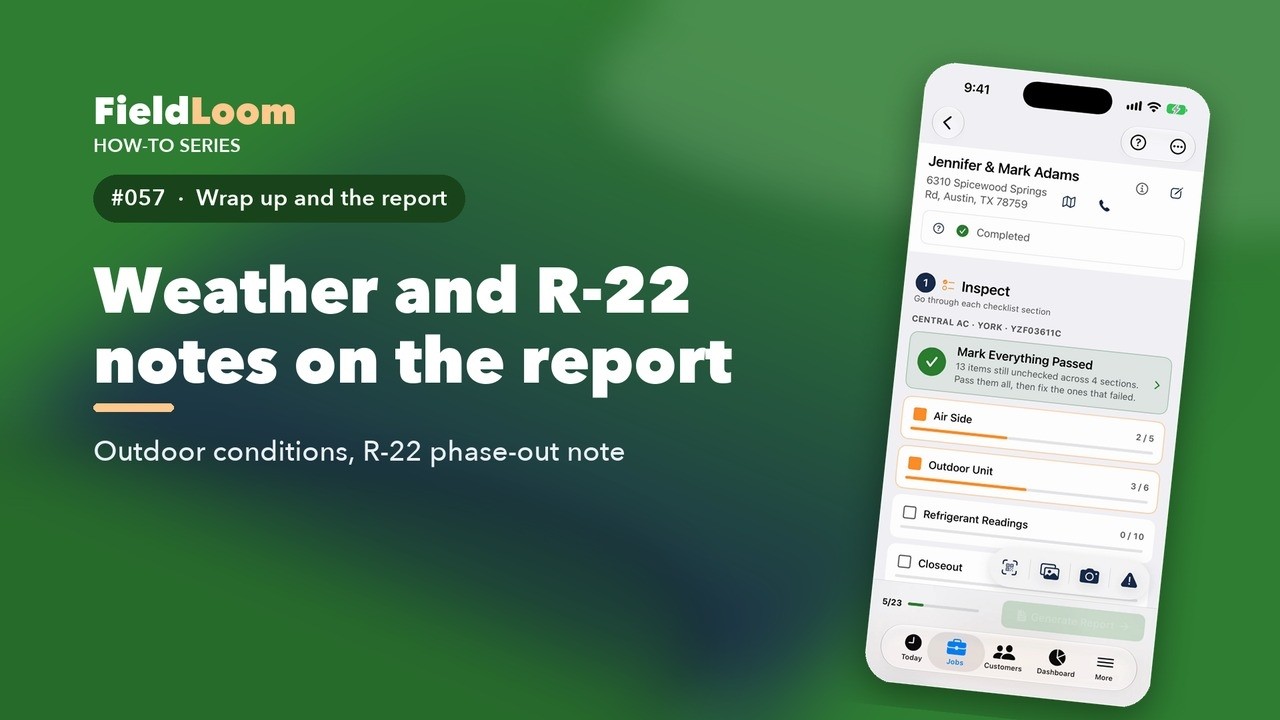 0:58
0:58
Readings depend on the weather. FieldLoom notes the outdoor conditions on every job for you.
Watch on YouTube ↗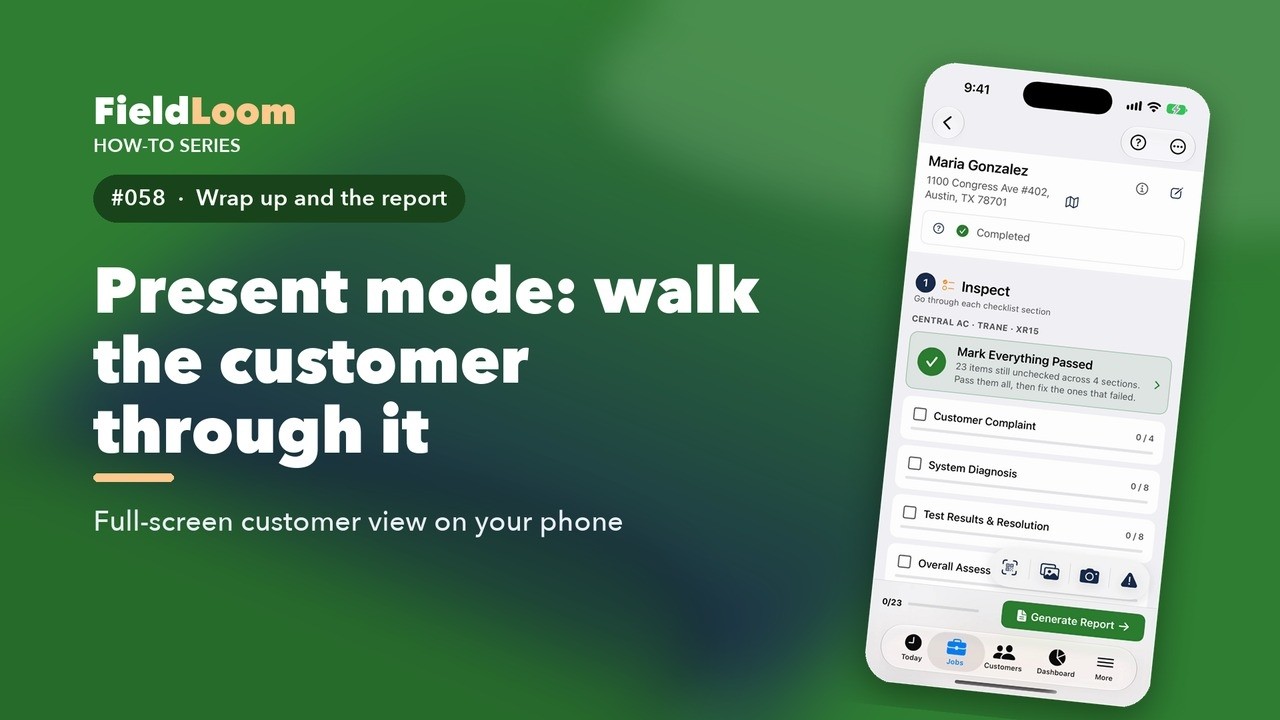 0:50
0:50
Before your customer signs, show them what you found. Present mode turns your phone into a simple, customer-friendly screen.
Watch on YouTube ↗ 0:43
0:43
Spanish and bilingual reports, notes and messages.
 0:51
0:51
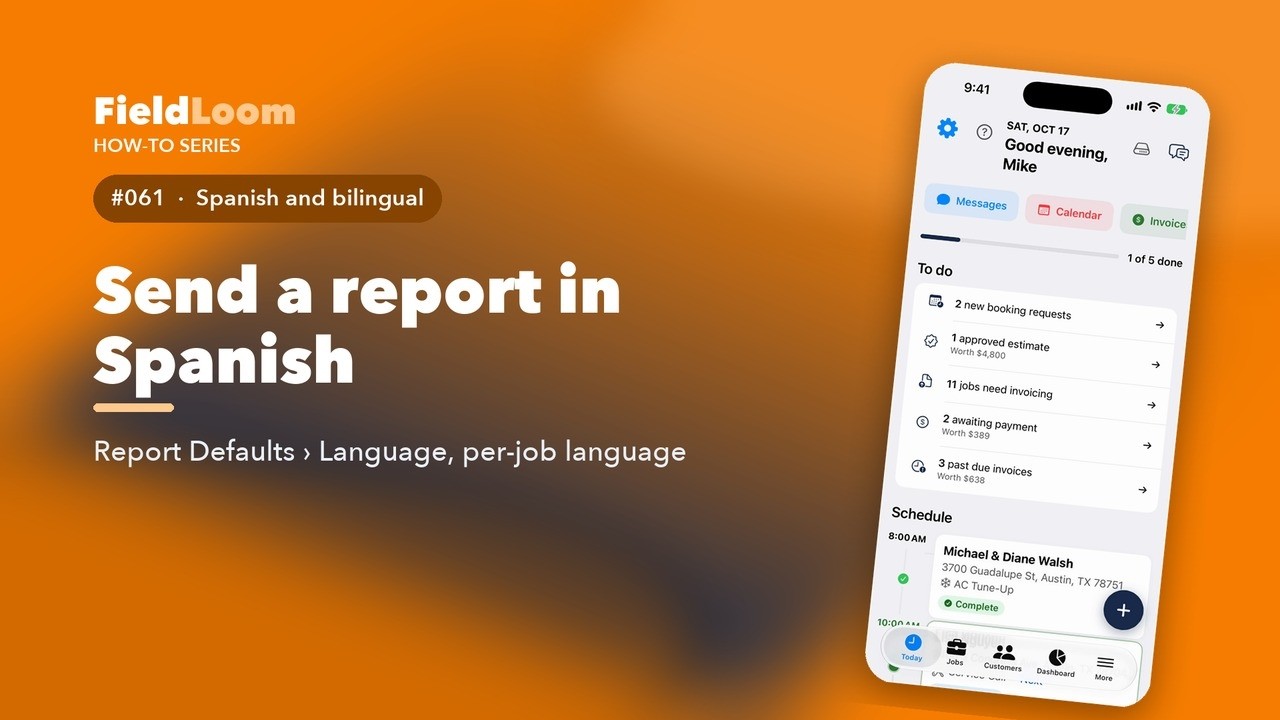
Envía un informe en español
Many of your customers would rather read their report in Spanish. FieldLoom writes the whole report in Spanish with one setting.
Watch on YouTube ↗ 0:41
0:41
Informe bilingüe
Some households read both languages. A bilingual report puts both on the page, so everyone in the home can read it.
Watch on YouTube ↗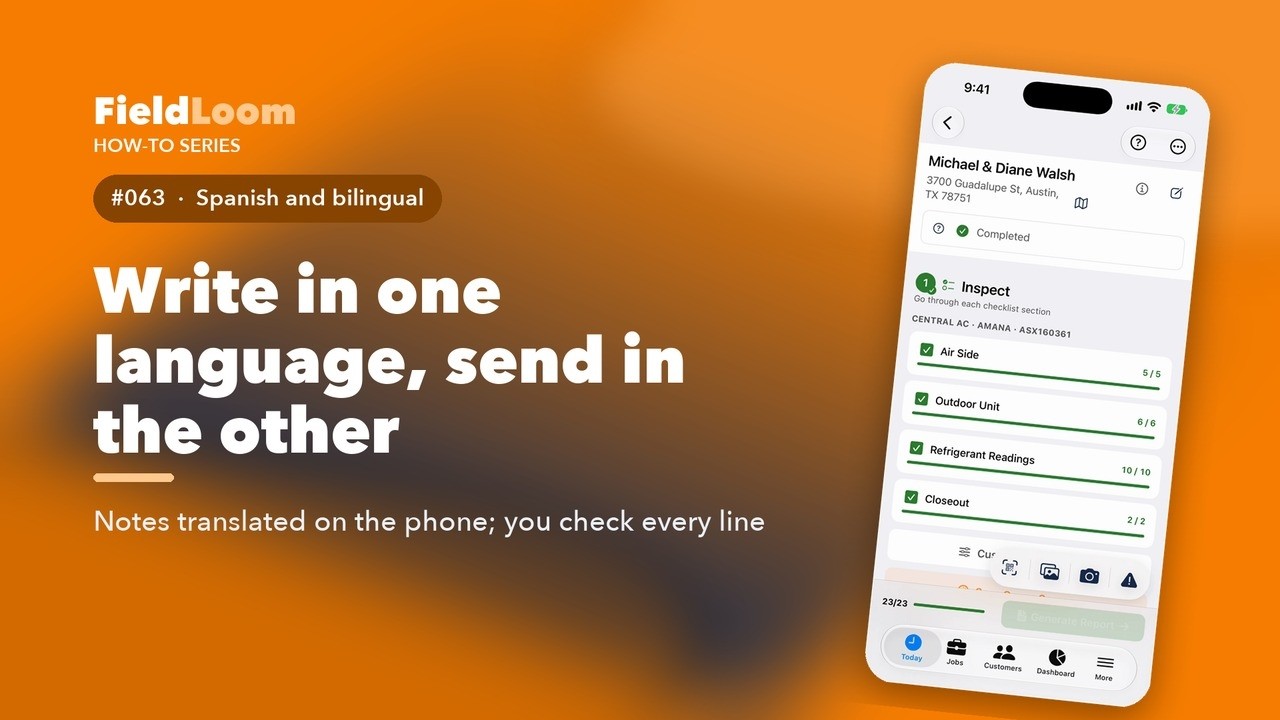 0:55
0:55
Escribe en un idioma, envía en el otro
Write your notes in the language you're comfortable with. When the report goes out in the other language, FieldLoom translates them first.
Watch on YouTube ↗ 0:45
0:45
Elige el idioma de un cliente
If a customer prefers Spanish, tell FieldLoom once, and their messages and reports follow.
Watch on YouTube ↗ 0:44
0:44
Presupuestos en el idioma del cliente
Maria prefers Spanish. Her reports come out in Spanish, and so do her estimates.
Watch on YouTube ↗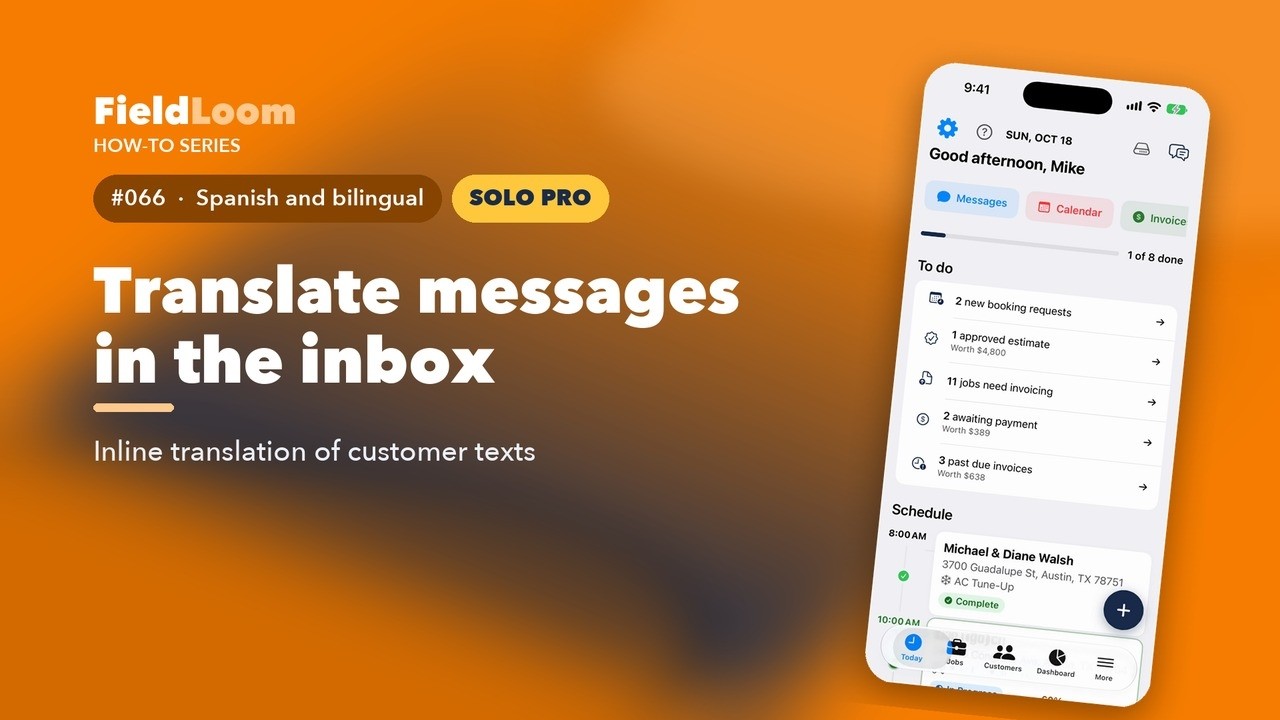 0:37
0:37
Traduce mensajes en la bandeja de entrada
Maria texts in Spanish. You can read it in English without leaving the conversation.
Watch on YouTube ↗FieldLoom's AI tools on the job.
 0:53
0:53
FieldLoom's AI tools live in one place: the job menu, AI Tools. They're part of Solo Pro.
Watch on YouTube ↗ 0:49
0:49
Hands full on a ladder? Talk through the inspection instead of typing.
Watch on YouTube ↗ 0:59
0:59
 0:46
0:46
Point your camera at a component, and FieldLoom tells you what it sees. This is a Solo Pro feature.
Watch on YouTube ↗ 0:43
0:43
Readings and pass marks mean a lot to you, and not much to a homeowner. This is a Solo Pro feature.
Watch on YouTube ↗ 0:44
0:44
Customers always ask how long their system will last. This gives you a number to start from.
Watch on YouTube ↗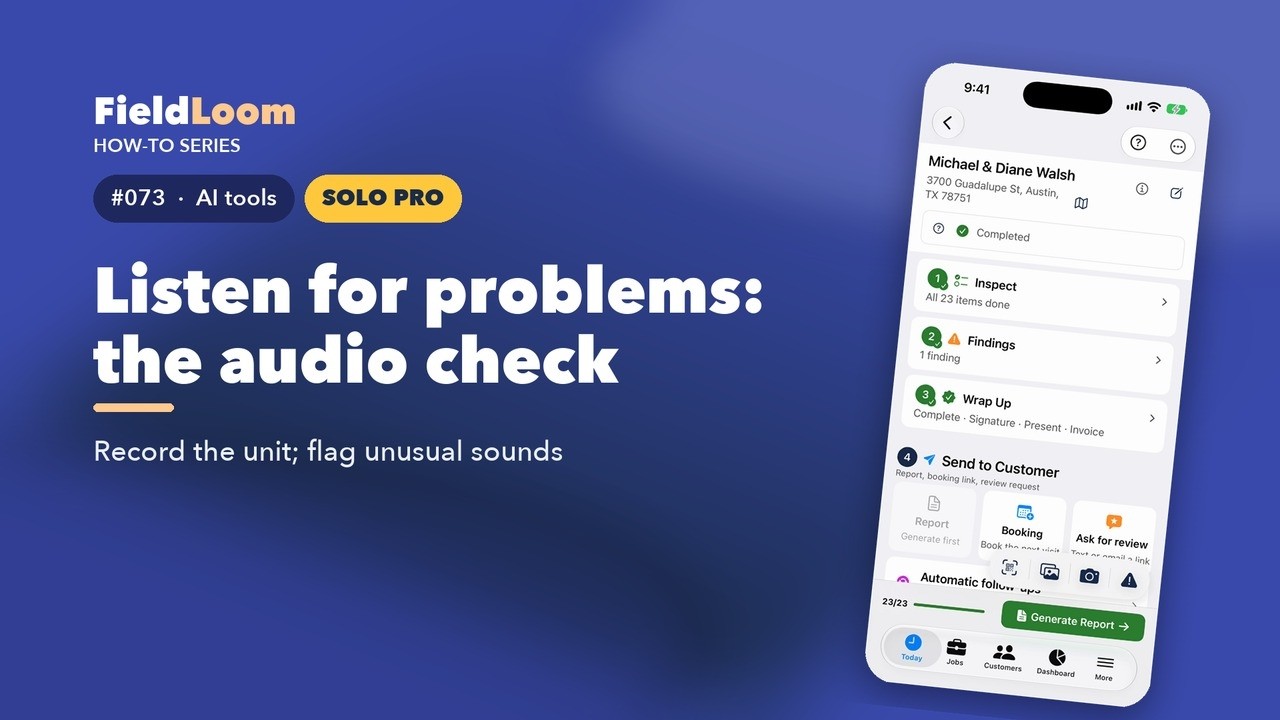 0:42
0:42
Some problems you hear before you see. This is a Solo Pro feature.
Watch on YouTube ↗ 0:51
0:51
Not sure what to charge? Smart Pricing suggests a price for every finding.
Watch on YouTube ↗Your customer book, two-way texting, templates, follow-ups and reviews.
 0:47
0:47
Every customer you've ever worked for is in the Customers tab. FieldLoom builds it from your jobs.
Watch on YouTube ↗ 0:43
0:43
Customers text you back, and every reply lands in one inbox in FieldLoom. This is a Solo Pro feature.
Watch on YouTube ↗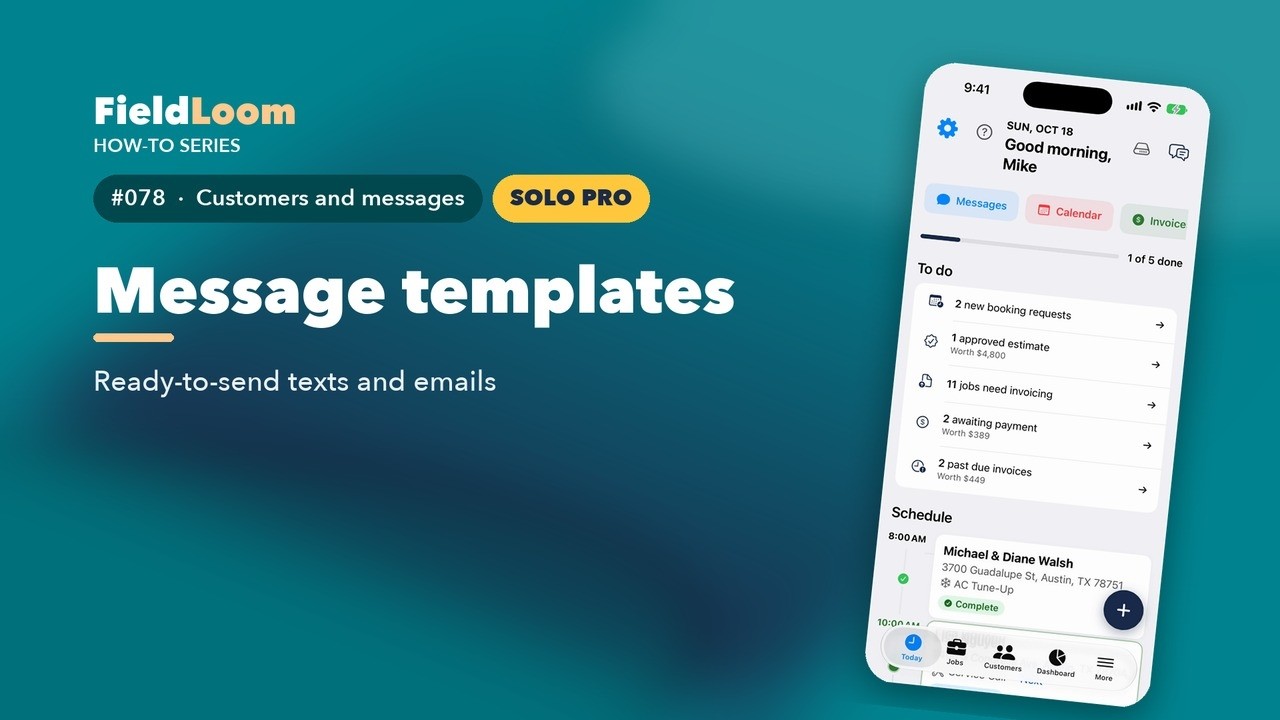 0:44
0:44
Most texts you send are the same every week. Templates write them for you.
Watch on YouTube ↗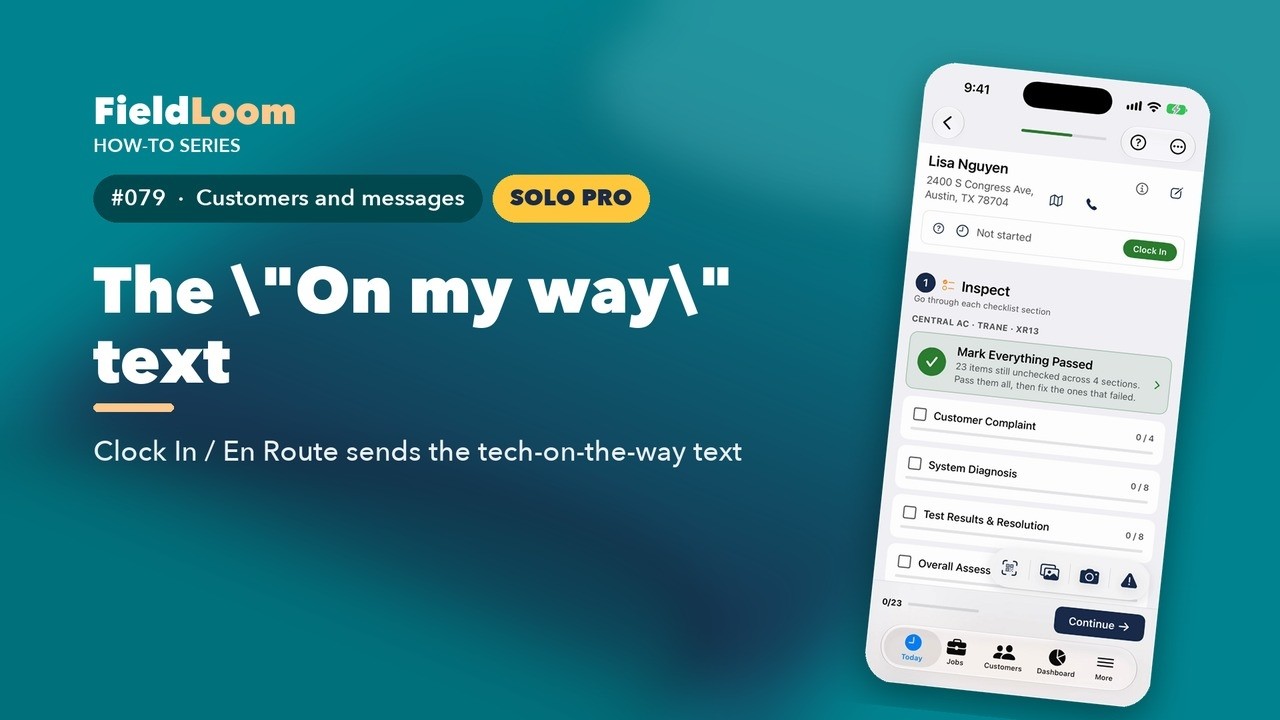 0:43
0:43
Customers love knowing when you'll show up. FieldLoom sends the on-my-way text for you.
Watch on YouTube ↗ 0:43
0:43
The visit is done, but the relationship isn't. Automatic follow-ups keep in touch for you.
Watch on YouTube ↗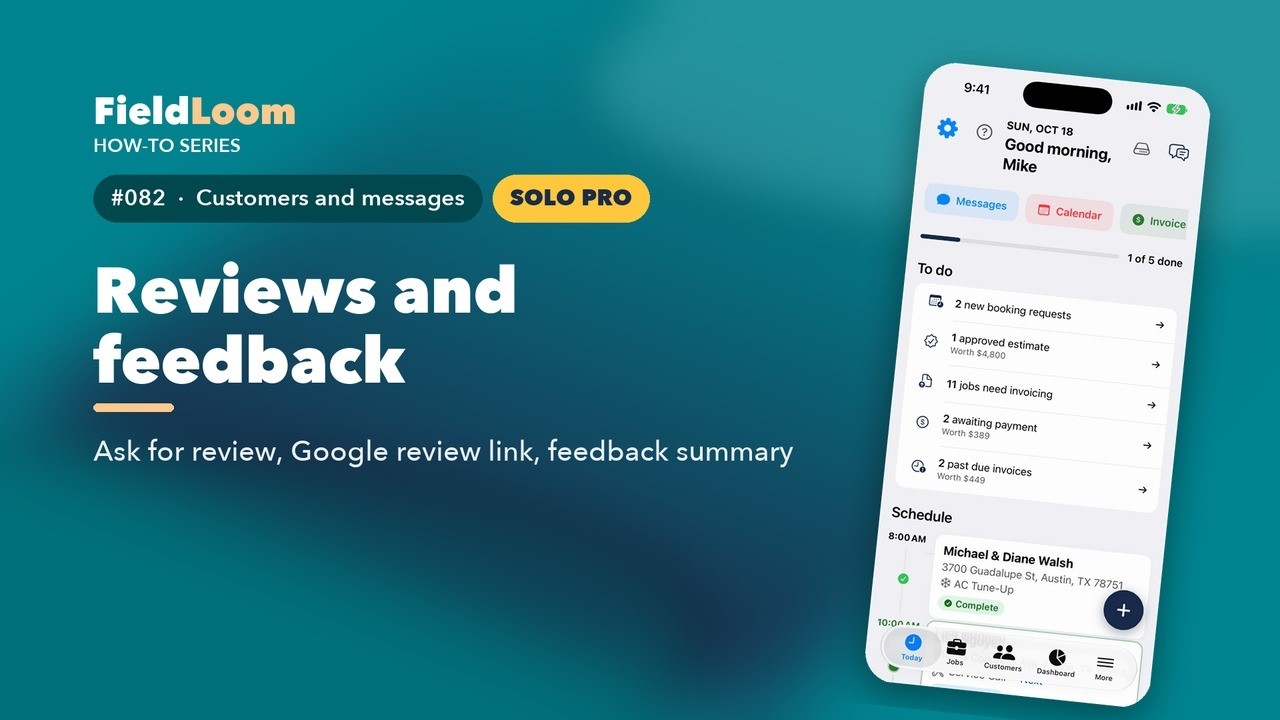 0:49
0:49
Reviews bring in the next customer. FieldLoom asks for them and keeps score.
Watch on YouTube ↗Invoices, payment links, expenses and parts.
 0:50
0:50
When the customer says yes, the estimate becomes the invoice. No retyping.
Watch on YouTube ↗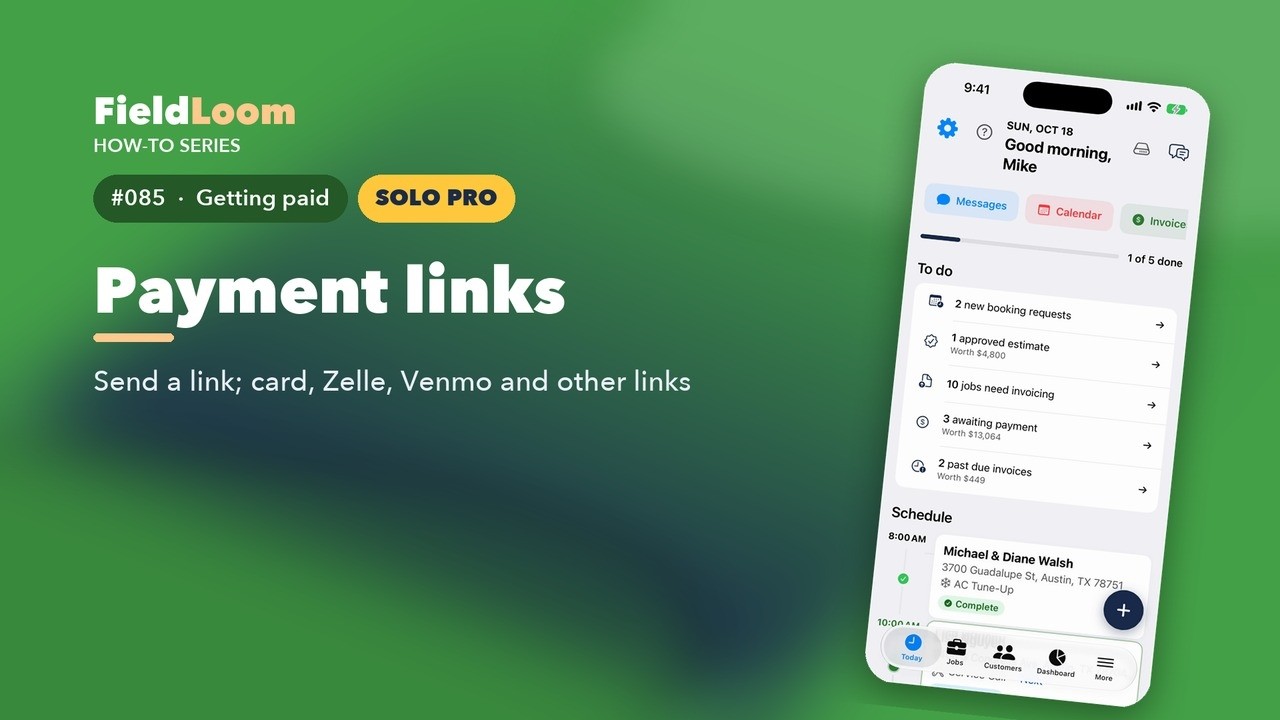 0:49
0:49
 1:01
1:01
Is this job actually making you money? Track what it cost.
Watch on YouTube ↗ 0:58
0:58
Know what's on your truck before you get to the job. Inventory is an advanced tool: turn on Show Advanced Tools in Settings.
Watch on YouTube ↗Calendar, job map, maintenance agreements, online booking and the dashboard.
 0:42
0:42
Need to see your week, or where your jobs are? Both live under More.
Watch on YouTube ↗ 0:59
0:59
Maintenance agreements are steady money and a full spring schedule. This is a Solo Pro feature, under advanced tools.
Watch on YouTube ↗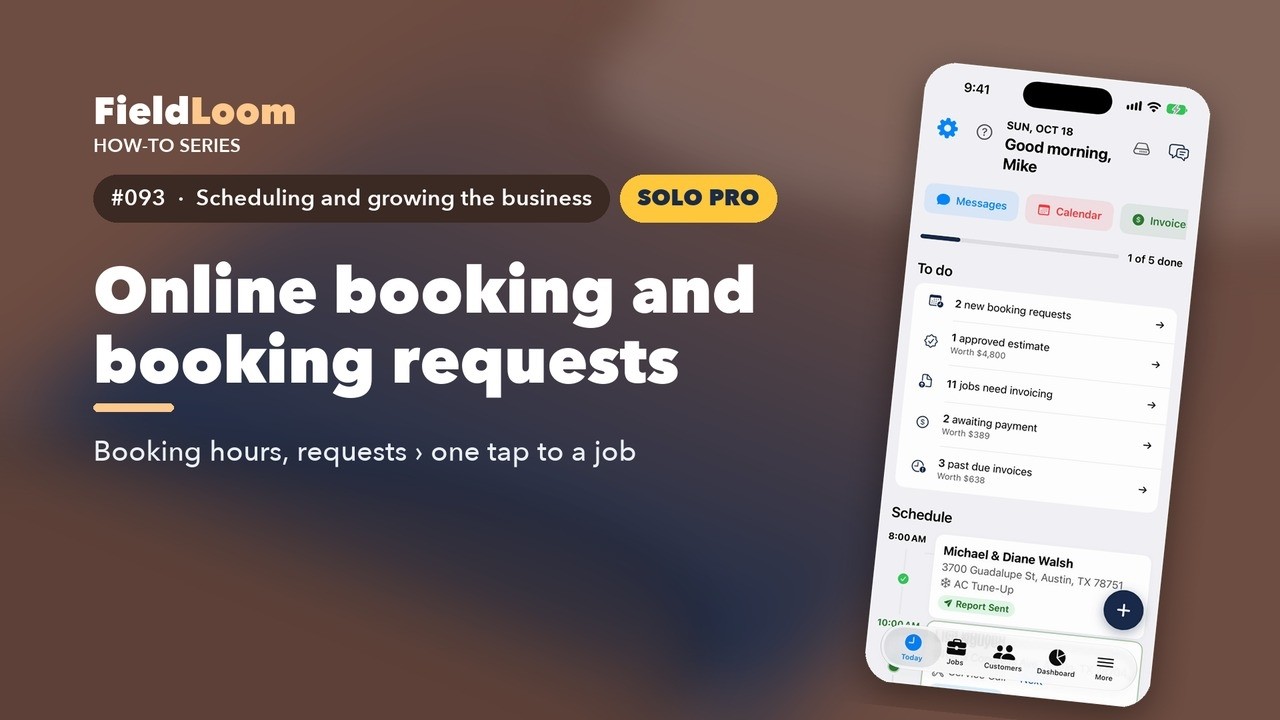 1:01
1:01
Let customers request a visit any time, even when you're on a roof. This is a Solo Pro feature.
Watch on YouTube ↗ 0:41
0:41
The Dashboard shows how your business is doing, without a spreadsheet.
Watch on YouTube ↗One tour per trade: plumbing, electrical, roofing, home inspection, pest control and more, each on that trade's own checklists, findings and report.
 1:44
1:44
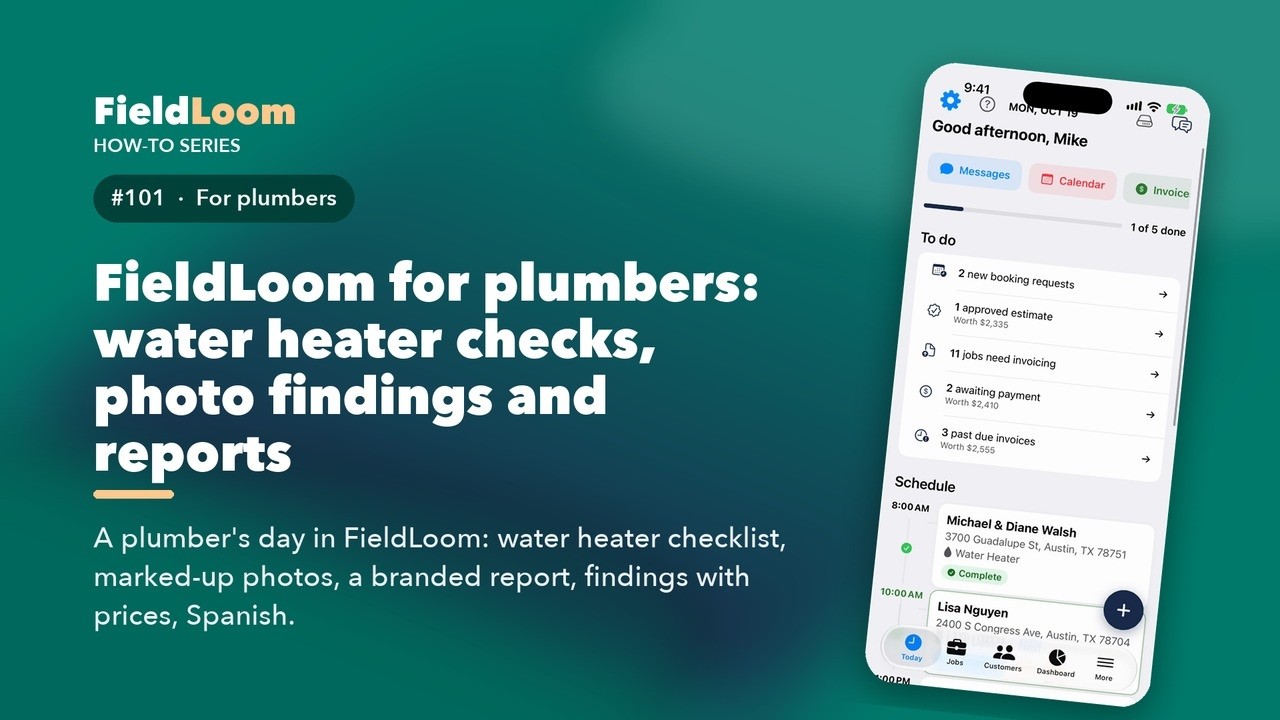
A plumber's day in FieldLoom: water heater checklist, marked-up photos, a branded report, findings with prices, Spanish.
Watch on YouTube ↗ 1:51
1:51
An electrician's day in FieldLoom: generator install checklist, marked-up photos, a branded report, findings with prices, Spanish.
Watch on YouTube ↗ 1:43
1:43
A day for roofers in FieldLoom: roof inspection checklist, marked-up photos, a branded report, findings with prices, Spanish.
Watch on YouTube ↗ 1:40
1:40
A day for home inspectors in FieldLoom: whole-home checklist, marked-up photos, a branded report, findings with prices, Spanish.
Watch on YouTube ↗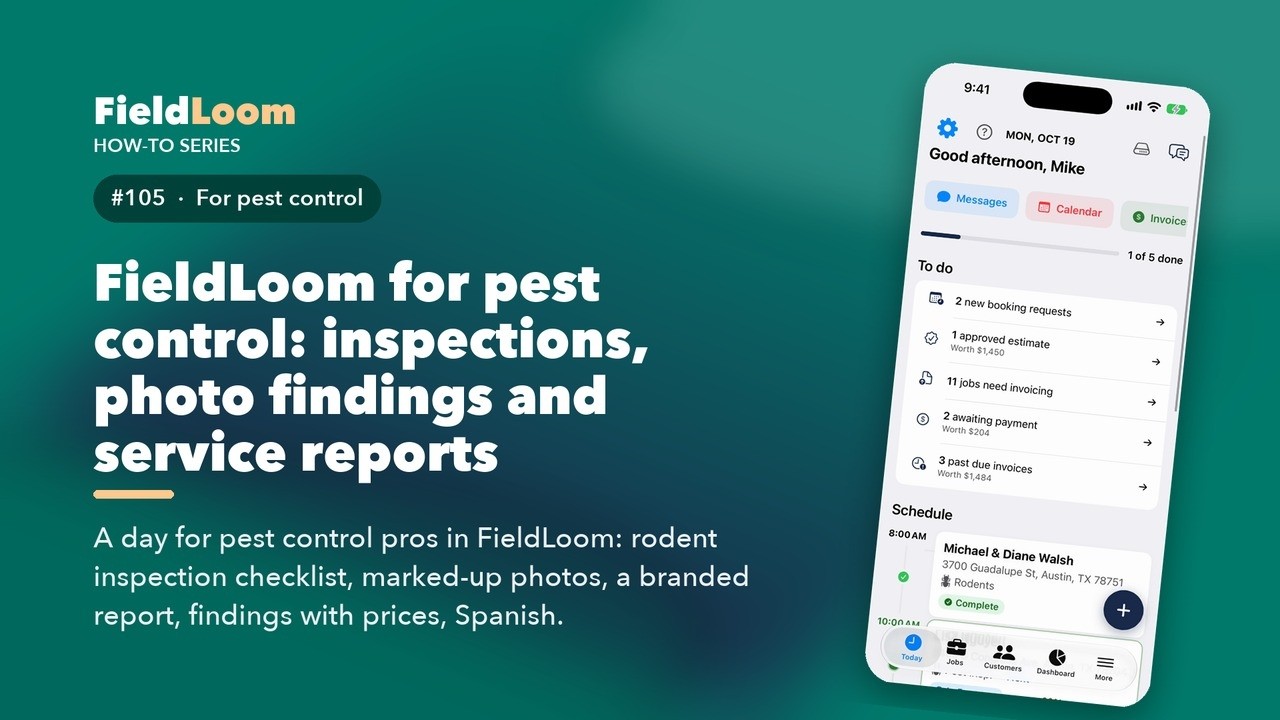 1:44
1:44
A day for pest control pros in FieldLoom: rodent inspection checklist, marked-up photos, a branded report, findings with prices, Spanish.
Watch on YouTube ↗ 1:49
1:49
A day for garage door pros in FieldLoom: garage door inspection, marked-up photos, a branded report, findings with prices, Spanish.
Watch on YouTube ↗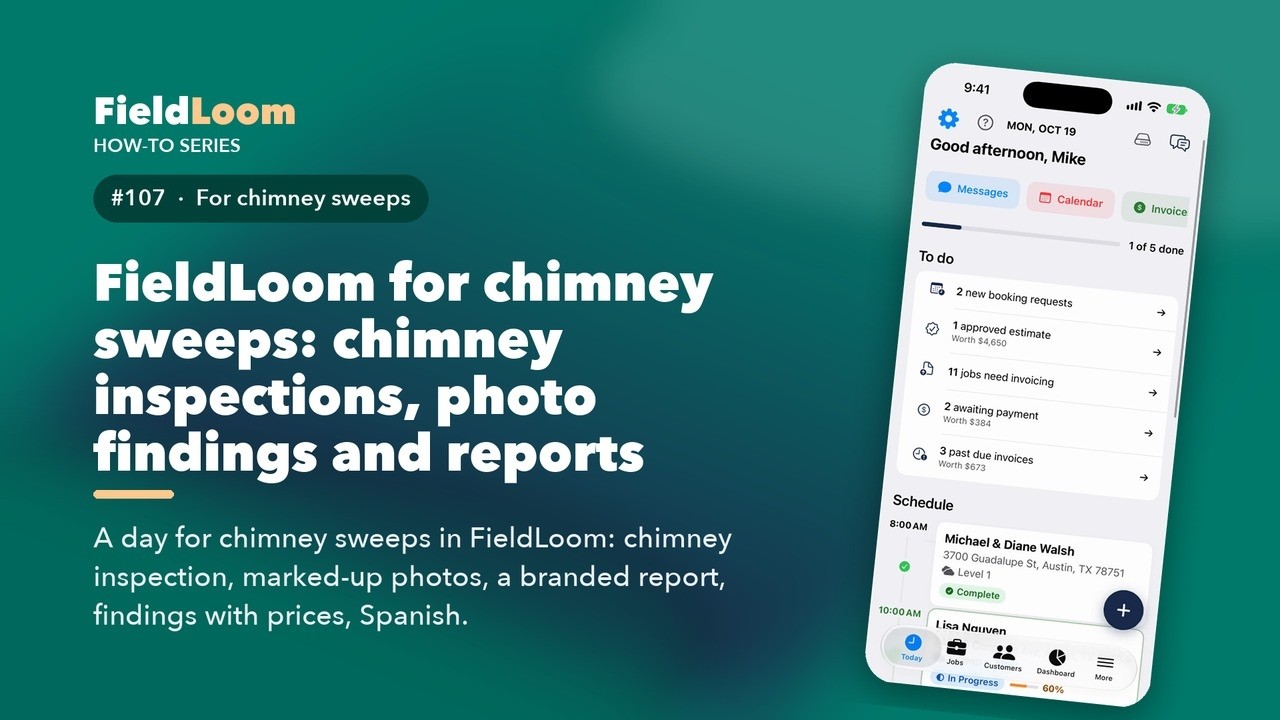 1:46
1:46
A day for chimney sweeps in FieldLoom: chimney inspection, marked-up photos, a branded report, findings with prices, Spanish.
Watch on YouTube ↗ 1:43
1:43
A day for locksmiths in FieldLoom: lock installation checklist, marked-up photos, a branded report, findings with prices, Spanish.
Watch on YouTube ↗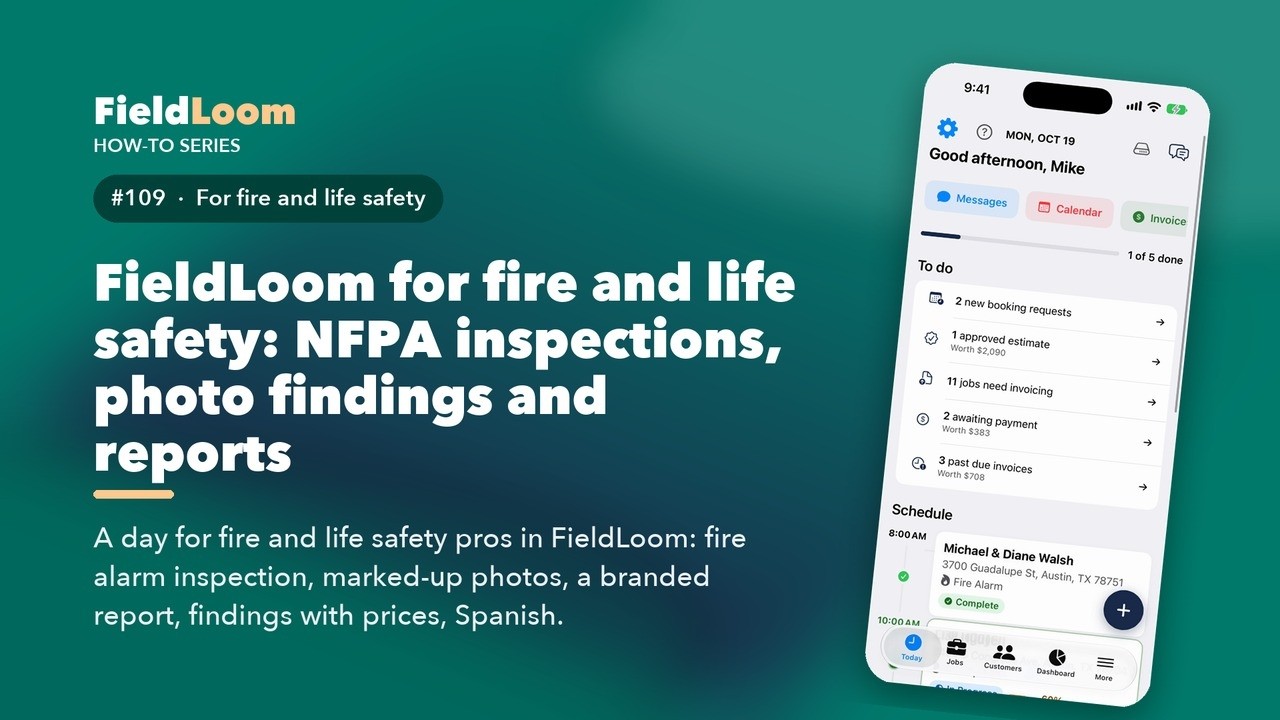 1:50
1:50
A day for fire and life safety pros in FieldLoom: fire alarm inspection, marked-up photos, a branded report, findings with prices, Spanish.
Watch on YouTube ↗ 1:46
1:46
A day for septic pros in FieldLoom: septic inspection, marked-up photos, a branded report, findings with prices, Spanish.
Watch on YouTube ↗ 1:46
1:46
A day for painters in FieldLoom: exterior painting checklist, marked-up photos, a branded report, findings with prices, Spanish.
Watch on YouTube ↗ 1:47
1:47
A day for lawn care pros in FieldLoom: fertilization and weed control record, marked-up photos, a branded report, findings with prices, Spanish.
Watch on YouTube ↗ 1:46
1:46
A day for landscapers in FieldLoom: hardscape installation checklist, marked-up photos, a branded report, findings with prices, Spanish.
Watch on YouTube ↗ 1:51
1:51
A day for mobile mechanics in FieldLoom: 28-point inspection, graded readings, marked-up photos, a branded report, findings with prices, Spanish.
Watch on YouTube ↗